SAML Single Sign-On
SAML is available Enterprise plan.
Only team members with the owner role can configure SAML SSO.
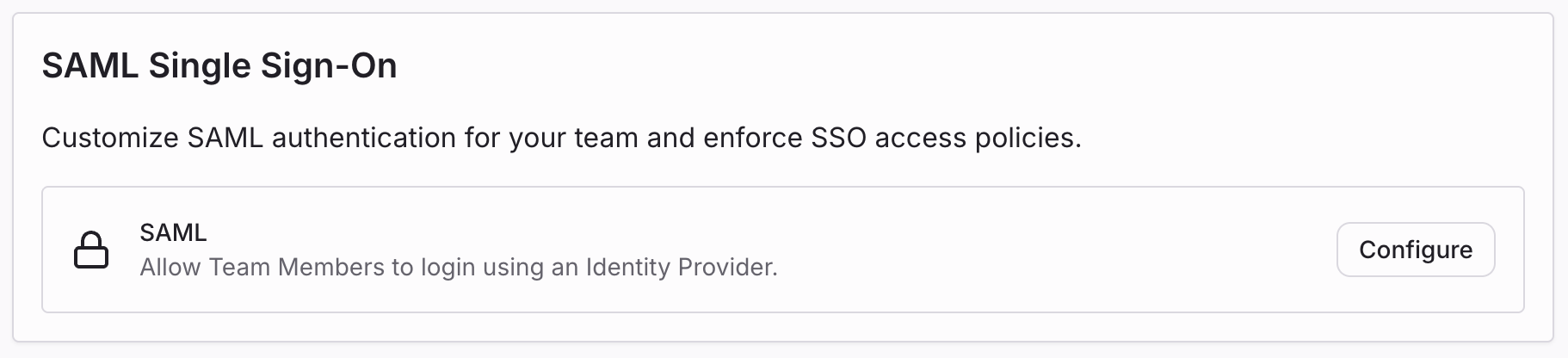
To manage your team members through a third-party identity provider like Okta or Auth0, configure Security Assertion Markup Language (SAML) from Team Settings -> Security and Privacy.
Once enabled, team members can authenticate with your configured identity provider, and new users signing in with SAML will be added to your team.
Configuring SAML SSO
- Ensure you are an owner of the team.
- From the dashboard, select the team in the scope selector.
- Open the Settings tab, then go to Security and Privacy.
- In SAML Single Sign-On, click Configure and follow the setup flow for your identity provider.
- Optionally enforce SAML SSO for all team members after confirming authentication works.
Enforcing SAML
For additional security, you can enforce SAML so team members can only access team resources when their current session is authenticated with SAML.
- Ensure you are an owner and currently authenticated with SAML.
- Go to Team Settings -> Security and Privacy -> SAML Single Sign-On.
- Enable Require team members to log in with SAML.
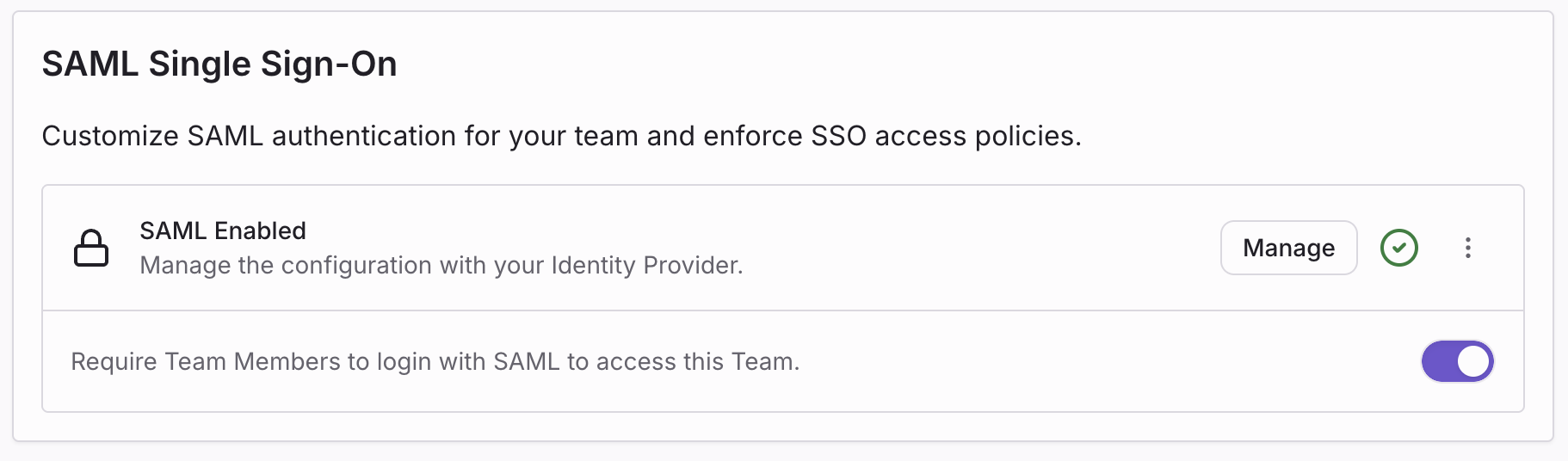
When you modify your SAML configuration, enforcement is automatically disabled. Re-authenticate with SAML and verify the new configuration before re-enabling enforcement.
Authenticating with SAML SSO
After SAML is configured, team members can sign in using SAML SSO:
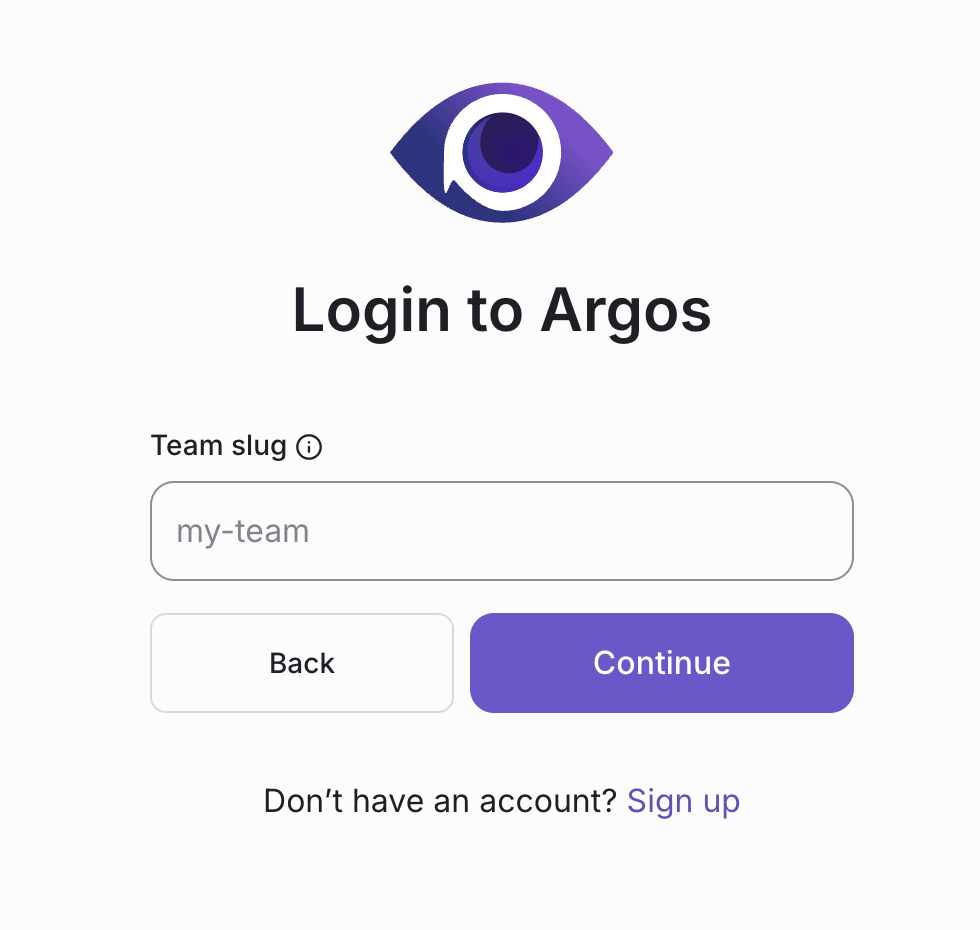
- On the login page, click Continue with SAML SSO and enter your team slug.
- Click Continue with SAML SSO again to be redirected to your identity provider.
- Complete authentication to access Argos.
Customizing the login page
You can share an Argos login URL that only displays the SAML SSO option for a specific team.
https://app.argos-ci.com/login?saml=team_slug
Replace team_slug with your team identifier in Argos URLs.
Managing team members
With SAML SSO, users authenticate through your identity provider, but team membership can still be managed from Argos team settings.
Members are added to your team when they first sign in with SAML, but you can also pre-provision members from the Team Settings -> Members page.
When SAML SSO is enforced, team members must have an active SAML session to access team resources. If a member's SAML session expires, they will be prompted to re-authenticate with SAML to regain access.
SAML providers
Argos supports the following SAML providers: