Agents, show your work: media sharing puts screenshots on pull requests
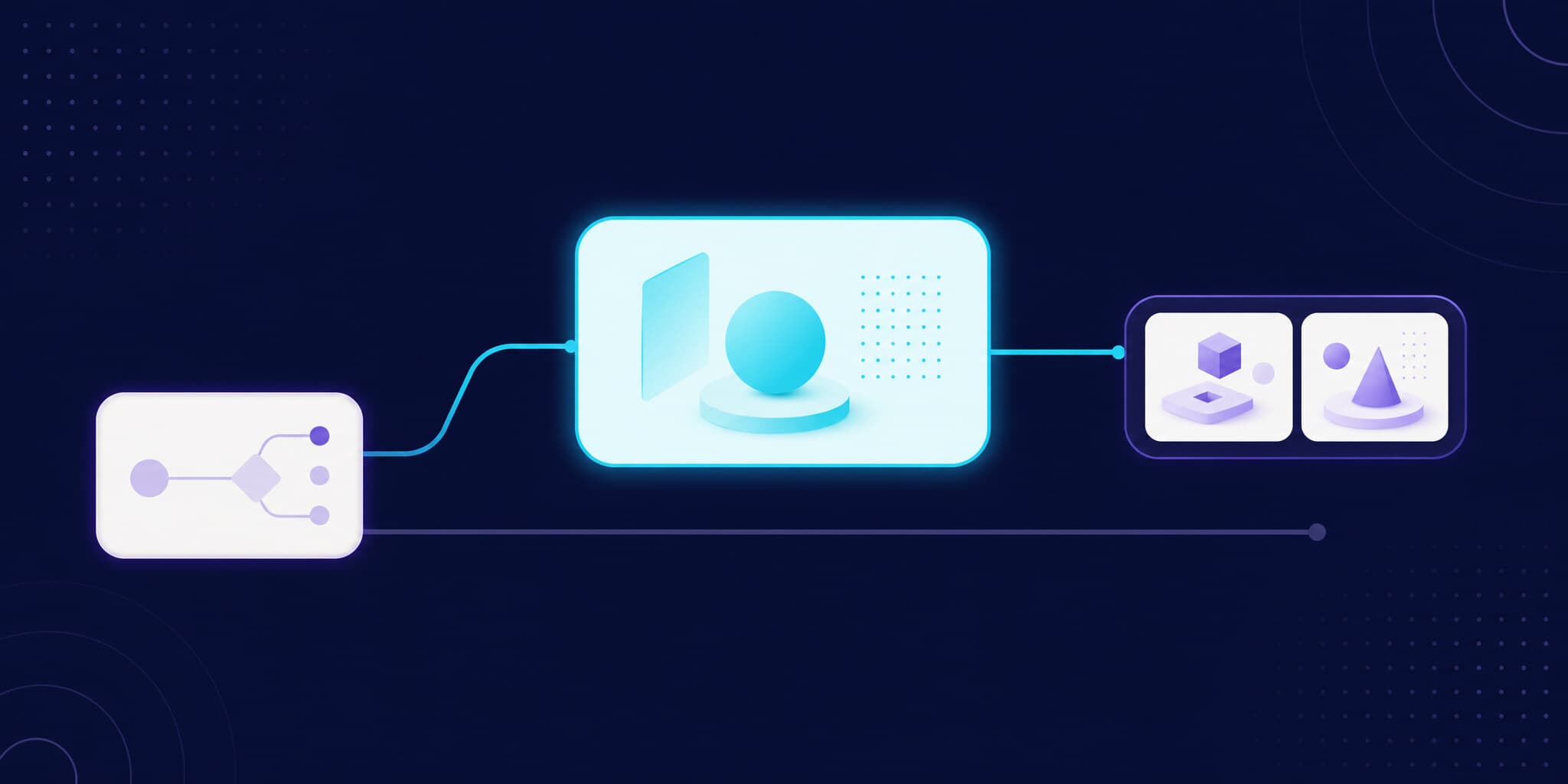
AI agents can't attach a screenshot to a GitHub pull request — there is no API for it. Argos media sharing gives them one: upload from the CLI, stage on a branch, and the demo lands on the PR automatically.

Your agent built the feature, fixed its own regressions, and opened the pull request. One question before you merge: have you actually seen it work?
For most agent-written PRs today, the answer is no. The agent produced something deeply visual (a page, a flow, an animation) and then described it to you in prose, because a process working from a terminal has no way to put an image in front of you. You either trust the description or check out the branch.
Media sharing closes that gap. It is standalone image and video upload for Argos: no build, no test run — a file with a stable share URL and ready-to-paste Markdown, uploadable from the CLI, the Node.js SDK, the REST API, or the MCP server. Media staged on a branch lands on the pull request automatically the moment one opens. It is available today, on every plan.
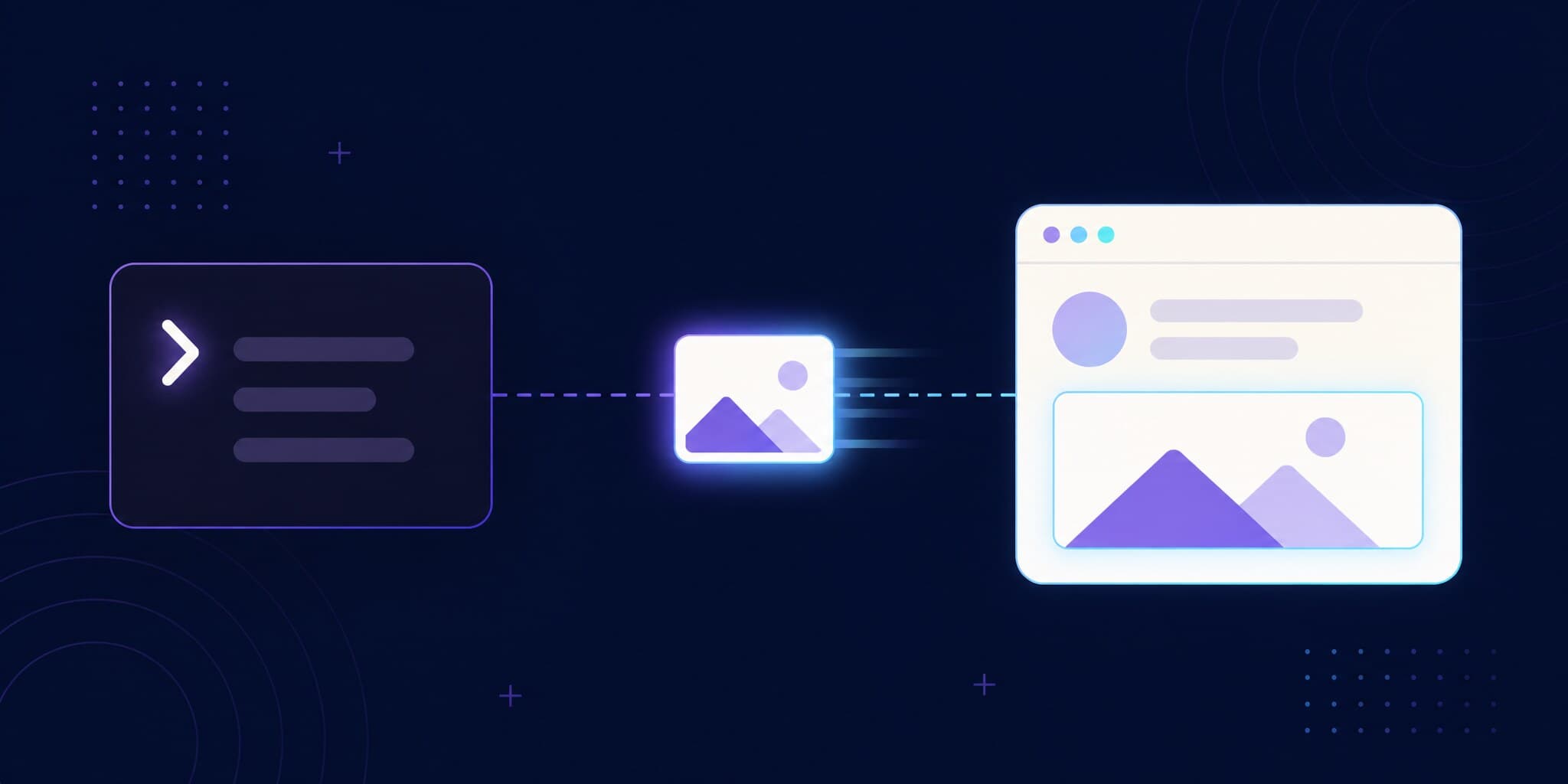
Why can't an agent attach a screenshot to a pull request?
Because GitHub has no public API for comment attachments. Dragging an image into a PR comment works in a signed-in browser session — and nowhere else. Every workaround an agent (or a CI job) can reach has a real cost:
| Workaround | Why it fails |
|---|---|
| Commit images to the repo | Binary blobs bloat your Git history forever, for files relevant for a week. |
| Release assets or gists | Wrong lifecycle, extra API calls, and nothing connects them to the pull request. |
| External image hosts | Unversioned, unauthenticated, unrelated to your project's access control. |
| Describe the change in prose | The reviewer merges on trust, or checks out the branch to see for themselves. |
So agents describe instead of show. And the description is exactly the part of an agent's output you should trust least: it is the agent grading its own homework, in the medium — text — where everything it does sounds plausible.
How media sharing works
One command uploads a file and prints everything you need:
npx argos media upload after.png --branch feat/checkoutafter.png
image/webp · 25 KB · 1440x900 · team · ready
URL: https://app.argos-ci.com/m/kQ8vN2pXr4tYw7cD1sZ0
Markdown: 
A few deliberate choices make this agent-shaped rather than just terminal-shaped:
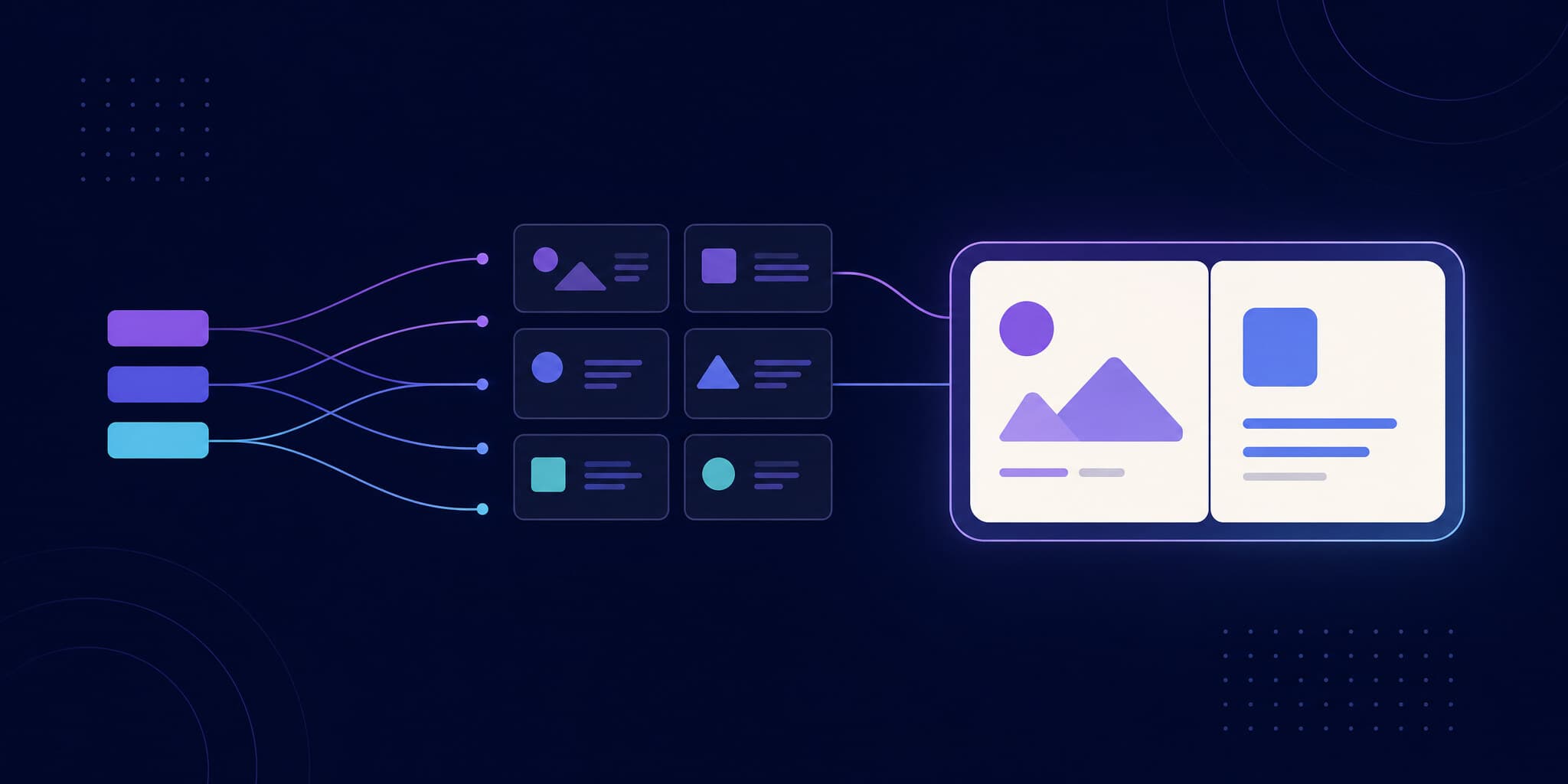
- Media attaches to a branch, not only to a PR. An agent produces screenshots while it is still doing the work — the pull request comes after, if it comes at all.
--branchstages the media: it is real and shareable from the start, and when a pull request opens for that branch, Argos publishes everything staged there and posts a single managed comment listing it. Nothing has to come back and connect the two. - A media is an identity, and every upload is a version. Re-uploading
after.pngdoesn't mint a second link — it adds a version under the same one. The Markdown already pasted in the PR shows the newest upload, and the version a reviewer commented on survives in the history. Iteration is the normal case, so the URLs assume it. - Videos embed as a poster frame wrapped in a link — the only form GitHub actually renders — with the poster derived from the video itself, instantly. A screen recording of a flow often says more than five screenshots.
- Before/after pairs are one media. Name two files
checkout-before.pngandcheckout-after.pngand they share a comment row and a share page that compares both sides with synced pan and zoom.
There is no server-side processing: Argos stores the bytes you sent and the media is usable the moment the upload finishes. The CLI compresses PNG and JPEG to WebP client-side first, so a 252 KB screenshot typically travels at a tenth of its size.
The feedback loop: reviewing images with an agent
Uploading is half the story. The other half is what makes this a loop rather than a broadcast.
Every media has comment threads on its share page, and a comment can be pinned to a point on the image. A reviewer doesn't write "the button in the top-right area, next to the search bar, looks misaligned" — they click the button and type "misaligned".
That pin is stored as normalized coordinates, with the exact version it was written on. Which means the agent — a process that cannot see pixels — can read it:
argos media list --branch feat/checkout
argos media comment list 4821
#comment-xf23d [thread] Alice (@alice)
Pinned: point 0.62,0.34
Media version: media-version-9
The primary button is misaligned here.
The agent knows where (62% across, 34% down), on which version, and what. It fixes the issue, re-uploads — same link, new version — replies to the thread, and resolves it. Human feedback about pixels just became data an agent can act on, through the same CLI it already uses.
This is the part we think changes agentic work. Agents iterate fast but review has stayed human-paced, because every visual claim needed a human to verify it manually. When the agent shows its work on the PR, verification costs a glance. When your feedback is a pin instead of a paragraph, the round trip from "that's wrong" to "fixed, see v2" doesn't need you to describe anything, and doesn't need the agent to guess.
A natural companion to visual testing
If you use Argos already, this should feel familiar — deliberately so.
Visual testing answers one question: what changed that nobody intended? Your CI uploads screenshots as builds, Argos diffs them against the approved baseline, and regressions surface on the PR. It is the safety net — and agents already use it to catch and fix their own mistakes before you ever look.
Media sharing answers the complementary question: what does the change someone intended actually look like? Nothing is compared, nothing gates the build — it is show-and-tell, with the same review grammar Argos builds have: pan and zoom, pinned comment threads, version history, and one tidy comment per PR instead of a pile of bot noise.
Together they cover both directions of trust in an agent's PR: the regressions it must not have introduced, and the feature it claims to have built. Both land in the same place — your pull request — and both draw on the same meter: an image counts as 1 screenshot, a video as 25, with retention following your plan (30 days on Hobby, 1 year on Pro). See pricing for details.
Get started
Install the CLI and upload your first file:
npm i --save-dev @argos-ci/cli
ARGOS_TOKEN=<your-project-token> npx argos media upload after.png
If your coding agent should do this on its own, install the Argos skills — argos-upload teaches it when a screenshot beats a paragraph, how to stage media on the branch it is working on, and how to paste an embed that renders:
npx skills add https://argos-ci.comMCP-connected agents get the same capabilities as tools under the media:read and media:write scopes on the Argos MCP server.
Media sharing is live for every project. Read the media sharing documentation for the full picture — share links and visibility, retention, formats and limits — or start with the feature overview.
Your agents have been doing the work. Now they can show it.