Playwright visual regression testing in CI: complete guide
How to run Playwright visual regression testing in CI: toHaveScreenshot baselines, Docker for consistent rendering, update workflows, and scaling up.

Playwright ships visual regression testing out of the box: expect(page).toHaveScreenshot() captures a screenshot, compares it pixel by pixel against a baseline image committed to your repo, and fails the test if they differ. To make it reliable in CI, you need one thing above all: screenshots must always be generated on the same OS and browser version, which in practice means running Playwright in Docker and updating baselines from CI, not from your laptop. This guide covers the full setup, the workflows that keep it sane, and what to do when git-committed baselines stop scaling.
How does toHaveScreenshot work?
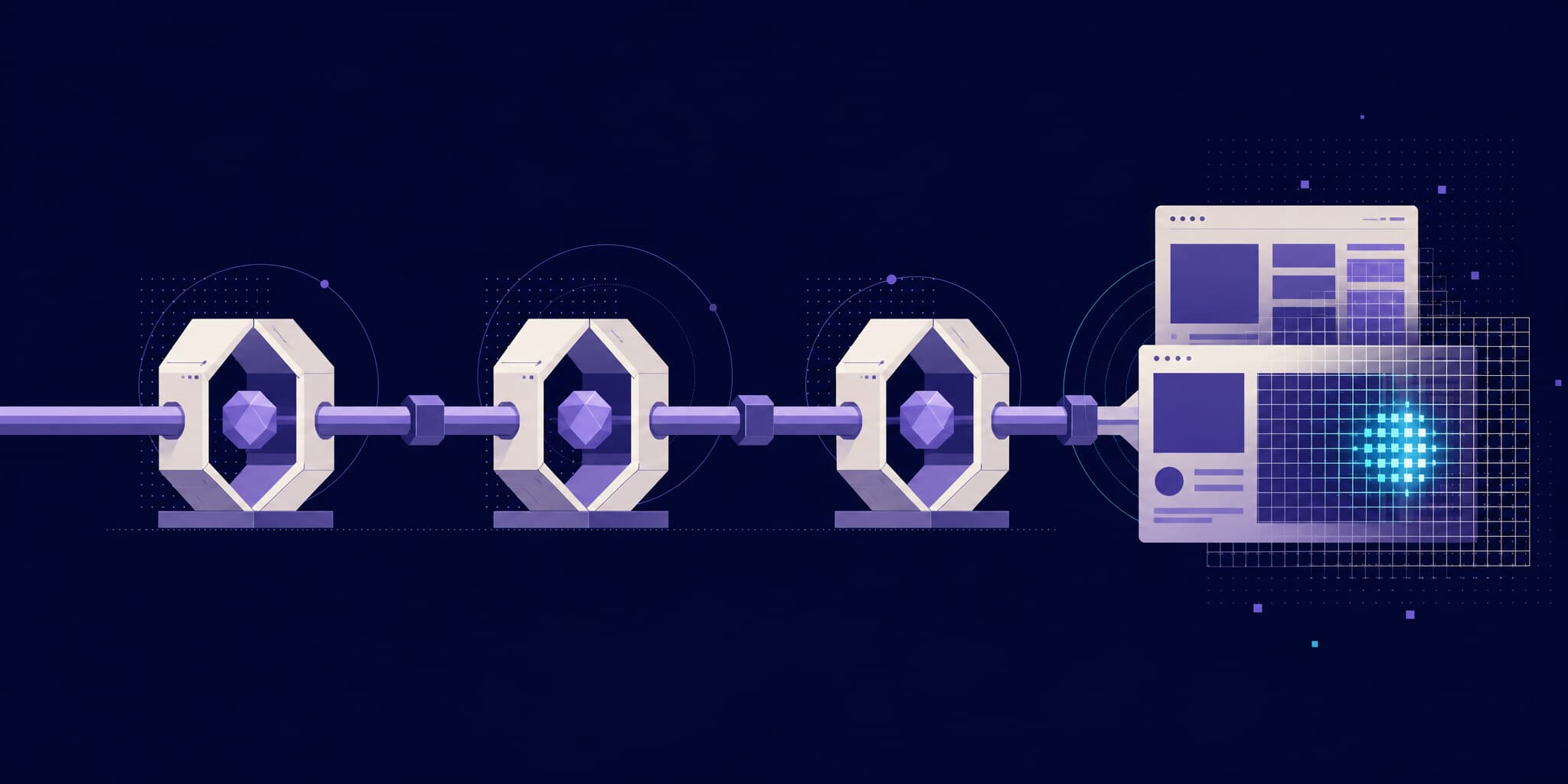
toHaveScreenshot is a built-in Playwright assertion. The first time a test runs, it saves a reference image next to the test file; every subsequent run compares the new capture against that reference using the pixelmatch library.
import { expect, test } from "@playwright/test";

test("homepage", async ({ page }) => {
  await page.goto("/");
  await expect(page).toHaveScreenshot("homepage.png");
});
Baselines live on disk, in a folder named after the test file. For home.spec.ts, Playwright creates:
tests/
  home.spec.ts
  home.spec.ts-snapshots/
    homepage-chromium-linux.png
Note the suffix: chromium-linux. Playwright encodes the browser and platform into the baseline filename because rendering differs across operating systems. Fonts, anti-aliasing, and subpixel rounding are not identical on macOS, Linux, and Windows. A baseline generated on your Mac is named homepage-chromium-darwin.png and is simply missing when the test runs on a Linux CI runner. This single detail drives the entire CI strategy below. You can customize the layout with snapshotPathTemplate in your config, but the platform constraint remains.
The options that matter
A bare toHaveScreenshot() is too strict for real apps. These options handle the usual sources of noise:
await expect(page).toHaveScreenshot("dashboard.png", {
  fullPage: true, // capture the whole scrollable page, not just the viewport
  maxDiffPixels: 100, // tolerate up to 100 differing pixels
  mask: [page.getByTestId("live-chart")], // paint dynamic regions in pink
  stylePath: "./screenshot.css", // inject CSS to hide or freeze elements
});maxDiffPixels/maxDiffPixelRatioset an absolute or relative tolerance before the assertion fails. Start at zero and only raise it for screenshots that legitimately jitter.maskcovers elements (ads, timestamps, avatars) with a solid overlay so they never diff.fullPagecaptures beyond the viewport, useful for landing pages.animations: "disabled"is already the default fortoHaveScreenshot: CSS animations are frozen and the text caret is hidden automatically.
Set defaults once in playwright.config.ts instead of repeating them:
import { defineConfig } from "@playwright/test";

export default defineConfig({
  expect: {
    toHaveScreenshot: {
      maxDiffPixels: 100,
      stylePath: "./screenshot.css",
    },
  },
});
Masking and tolerances reduce flakiness, but they don't remove the need to stabilize what you capture: wait for fonts and images, settle the network, neutralize animations. We wrote a dedicated guide on screenshot stabilization that applies to any tool, including native Playwright.
How do you run Playwright visual tests in CI?
The golden rule: generate and compare baselines in one environment only. If baselines come from macOS laptops and CI runs Linux, every run either misses baselines or fails on rendering drift. The standard fix is to make Linux-in-Docker the single source of truth.
Use the official Playwright image, pinned to your exact Playwright version so browser binaries match:
# .github/workflows/tests.yml
name: Tests
on: [push]

jobs:
  test:
    runs-on: ubuntu-latest
    container:
      image: mcr.microsoft.com/playwright:v1.61.0-noble
    steps:
      - uses: actions/checkout@v4
      - run: npm ci
      - run: npx playwright test
      - uses: actions/upload-artifact@v4
        if: failure()
        with:
          name: playwright-report
          path: playwright-report/
Uploading the HTML report on failure is essential: it contains the actual/expected/diff images, and it's the only way anyone can see what changed without rerunning locally.
Updating baselines with --update-snapshots
When a change is intentional, regenerate the references:
npx playwright test --update-snapshotsBut remember the golden rule: running this on your Mac produces -darwin files CI will never read. You have two workable options.
Option 1: update locally through Docker. Run the same image CI uses, mounted on your working copy:
docker run --rm -v "$(pwd)":/work -w /work \
  mcr.microsoft.com/playwright:v1.61.0-noble \
  npx playwright test --update-snapshots
Then review the changed PNGs and commit them with your PR.
Option 2: commit baselines from CI. Add a manually triggered workflow that regenerates snapshots on the runner and pushes them back to the branch:
# .github/workflows/update-snapshots.yml
name: Update snapshots
on: workflow_dispatch

jobs:
  update:
    runs-on: ubuntu-latest
    container:
      image: mcr.microsoft.com/playwright:v1.61.0-noble
    steps:
      - uses: actions/checkout@v4
        with:
          ref: ${{ github.ref_name }}
      - run: npm ci
      - run: npx playwright test --update-snapshots
      - uses: stefanzweifel/git-auto-commit-action@v5
        with:
          commit_message: "test: update Playwright snapshots"
This works, and many teams live with it. It also means every intentional UI change requires an extra CI round-trip before the real test run can pass, which adds latency to every visual PR. If your suite is already slow, see our tips to speed up Playwright before adding this loop.
Where does the git-baseline approach break down?
For a solo project with a dozen screenshots, committed baselines are perfectly fine. At team scale, four problems compound. We dig into them in why Playwright visual testing doesn't scale; here's the short version:
- Repo weight. Hundreds of PNGs, rewritten on every UI change, bloat git history permanently. Even with Git LFS, clones and checkouts get slower every month.
- Platform lock-in. Every contributor must update baselines through Docker or a CI round-trip. Forget once, and the PR turns red with diffs that have nothing to do with the change.
- No review UI. GitHub renders image diffs poorly. Reviewing 40 changed PNGs in a PR file list, with no side-by-side slider or overlay, means approvals become rubber stamps.
- Shared components fan out. Change a button's padding and 60 baselines change with it. Someone has to look at all 60 and decide each one is intentional, inside a git diff.
None of this is a Playwright bug. toHaveScreenshot does capture and compare well. What's missing is everything around it: baseline management, review workflow, and change history.
The cloud step-up: Playwright + Argos
The alternative is to keep capturing screenshots in Playwright (same browser, same tests) but move storage, diffing, and review to a service. With Argos, screenshots are captured locally in the real browser your tests already run, then uploaded for diffing, so what you see in your test is exactly what gets reviewed. Setup is two steps.
Add the reporter to playwright.config.ts:
import { defineConfig } from "@playwright/test";

export default defineConfig({
  reporter: [
    process.env.CI ? ["dot"] : ["list"],
    ["@argos-ci/playwright/reporter", { uploadToArgos: !!process.env.CI }],
  ],
});
Then capture with argosScreenshot, which also waits for fonts, images, and aria-busy loaders and hides carets and scrollbars before capturing:
import { argosScreenshot } from "@argos-ci/playwright";
import { test } from "@playwright/test";

test("homepage", async ({ page }) => {
  await page.goto("/");
  await argosScreenshot(page, "homepage");
});
What changes compared to the native workflow:
| Concern | Native toHaveScreenshot | Playwright + Argos |
|---|---|---|
| Baseline storage | PNGs committed to git | Cloud, zero repo weight |
| Baseline selection | Manual --update-snapshots | Automatic from Git history |
| Updating after a change | Docker run or CI commit loop | Approve diffs in the PR check |
| Reviewing diffs | Raw PNGs in the git diff | Side-by-side review UI with overlays |
| Cross-platform | Baselines break across OSes | Diffed server-side, capture anywhere |
| Failure debugging | HTML report artifact | Trace viewer and failure screenshots in the UI |
| Cost | Free (plus CI time and repo weight) | Free up to 5,000 screenshots/month, then $100/mo flat |
The baseline model is the biggest shift: Argos picks the reference build automatically from your Git history (usually the latest approved build on your base branch), so there is no --update-snapshots step at all. When a shared component changes 60 screenshots, you review them in a dedicated UI and approve the build; the next merge becomes the new baseline. Because Argos also ingests Playwright traces, a failing or flaky test shows its full trace and failure screenshot right next to the visual diff.
If you already have a suite full of toHaveScreenshot calls, the migration guide from Playwright native screenshots is mostly a find-and-replace, and the full feature-by-feature breakdown lives on the Playwright comparison page.
Conclusion
Playwright's built-in visual regression testing is good at the capture-and-compare part, and with Docker plus a disciplined --update-snapshots workflow it runs fine in CI. Adopt it as-is for small suites. When baselines multiply, contributors trip over platform-suffixed PNGs, and PR reviews turn into scrolling through raw image diffs, keep Playwright and swap the backend: argosScreenshot uploads from the same browser and CI you already have, and Git-history baselines plus a real review UI replace the parts that don't scale.
FAQ
Why do my Playwright screenshots pass locally but fail in CI?
Because rendering is platform-dependent. Playwright names baselines with a browser and platform suffix (homepage-chromium-darwin.png vs homepage-chromium-linux.png), and fonts and anti-aliasing differ between macOS and Linux. Generate baselines in the same Docker image your CI uses, or use a service like Argos that diffs server-side regardless of where screenshots were captured.
How do I update Playwright baselines from CI?
Run npx playwright test --update-snapshots inside the official Playwright Docker image, either locally with a volume mount or in a workflow_dispatch GitHub Actions job that commits the regenerated PNGs back to the branch. Always review the changed images before merging: an accidental regression baked into a baseline is invisible afterward.
Should I use maxDiffPixels or maxDiffPixelRatio?
Start with zero tolerance and add maxDiffPixels only where a screenshot legitimately jitters by a few pixels. maxDiffPixelRatio scales with image size, which makes it easier to blanket-apply but also easier to hide real one-line regressions in large full-page captures. Masking dynamic elements is usually a better first fix than raising tolerances.
Do I still need toHaveScreenshot if I use Argos?
No. You replace expect(page).toHaveScreenshot("name.png") with argosScreenshot(page, "name"). The test no longer asserts pixels inline; instead, the Argos reporter uploads captures at the end of the run and posts a pass/fail check on the PR, where diffs are reviewed and approved. Your functional assertions stay exactly the same.