Tag-based filtering
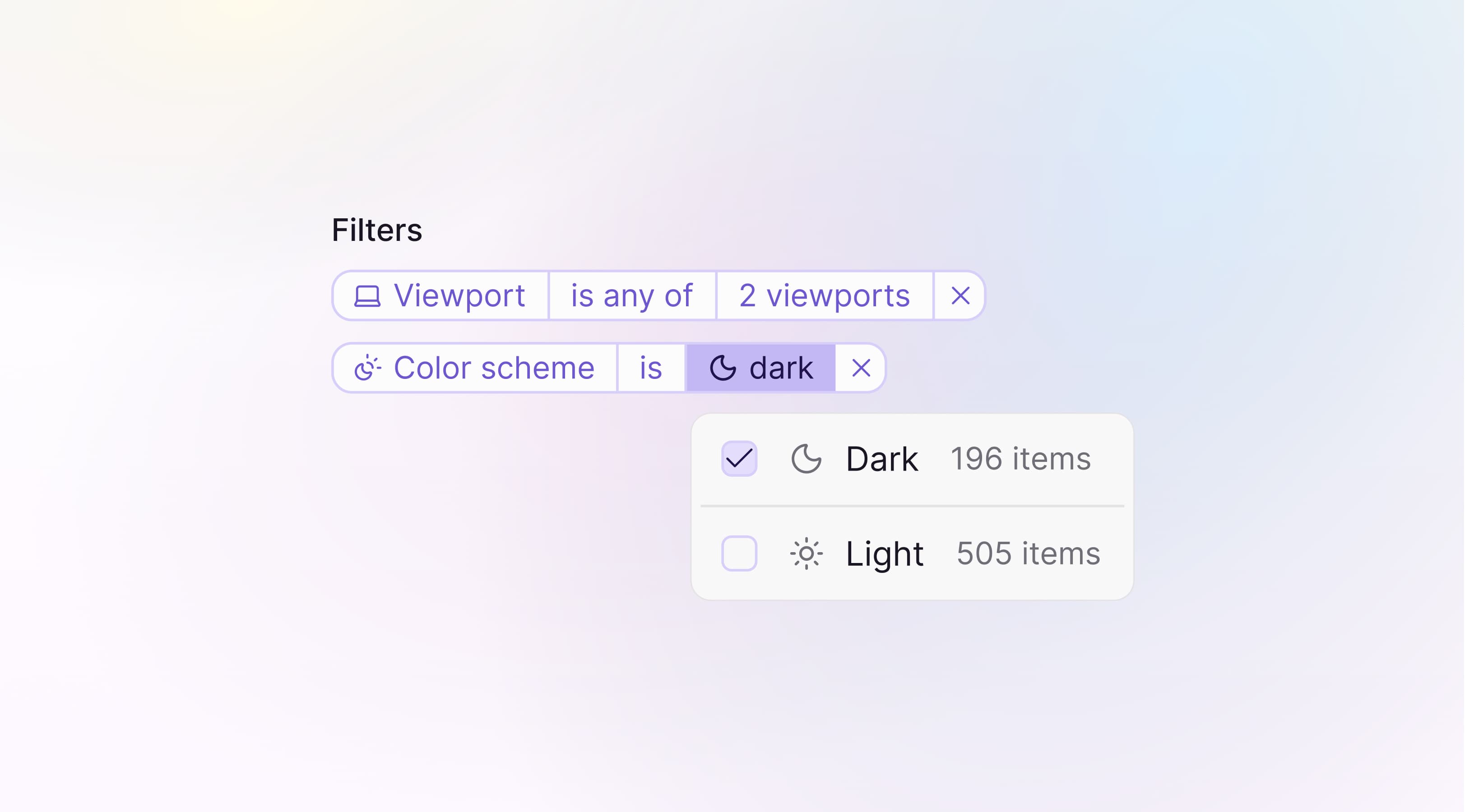
You can now filter screenshots using tags to focus on the parts of a build that matter.
Tags let you quickly isolate relevant screenshots, whether you’re reviewing a specific workflow, a single Storybook story or a particular environment like mobile.
- Automatic and custom tags: Use built-in metadata like viewport, browser or color scheme, or define your own tags in the SDK.
- Test and snapshot tags: Filter based on tags coming from tests or individual screenshots.
- Composable filters: Combine multiple tags to narrow down results with AND logic.
Read more about tags in the Argos documentation.