MCP server
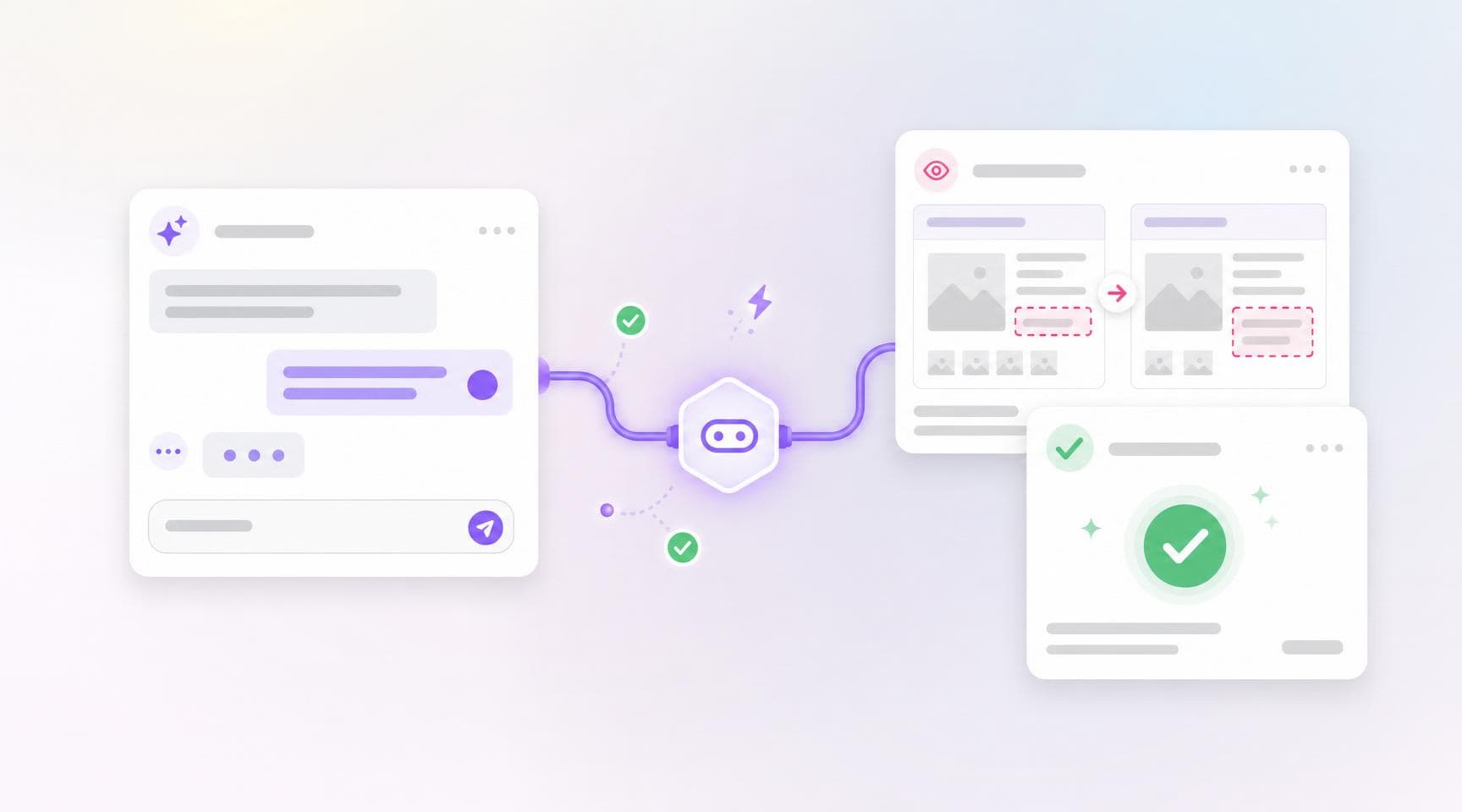
Argos now speaks the Model Context Protocol. The official Argos MCP server is live at https://mcp.argos-ci.com — add it to your AI assistant and it can work with your Argos projects directly:
- Inspect builds — list builds and dig into their screenshot diffs.
- Review changes — approve or reject builds and dismiss reviews.
- Collaborate — read and post comments on builds.
- Query your account — retrieve project metadata and account analytics.
Tools are generated straight from the Argos REST API: every operation you can call is exposed as an MCP tool with the same name, parameters, and permissions — so when the API gains an endpoint, your agent gains the matching tool.
claude mcp add --transport http argos https://mcp.argos-ci.comSign in with OAuth, stay in control
The server implements the latest MCP authorization spec: add the URL to Claude Code, Claude.ai, Cursor, VS Code, Codex, or Windsurf, and your client opens a browser to sign in. You choose which organizations to share and which scopes to grant, and you can revoke access anytime from Authorized applications in your Argos settings. Personal access tokens are supported too, for clients where OAuth is impractical.
The MCP server joins the CLI, agent skills, and AI-ready docs in a new Agents section of the documentation.