Microsoft Teams notifications
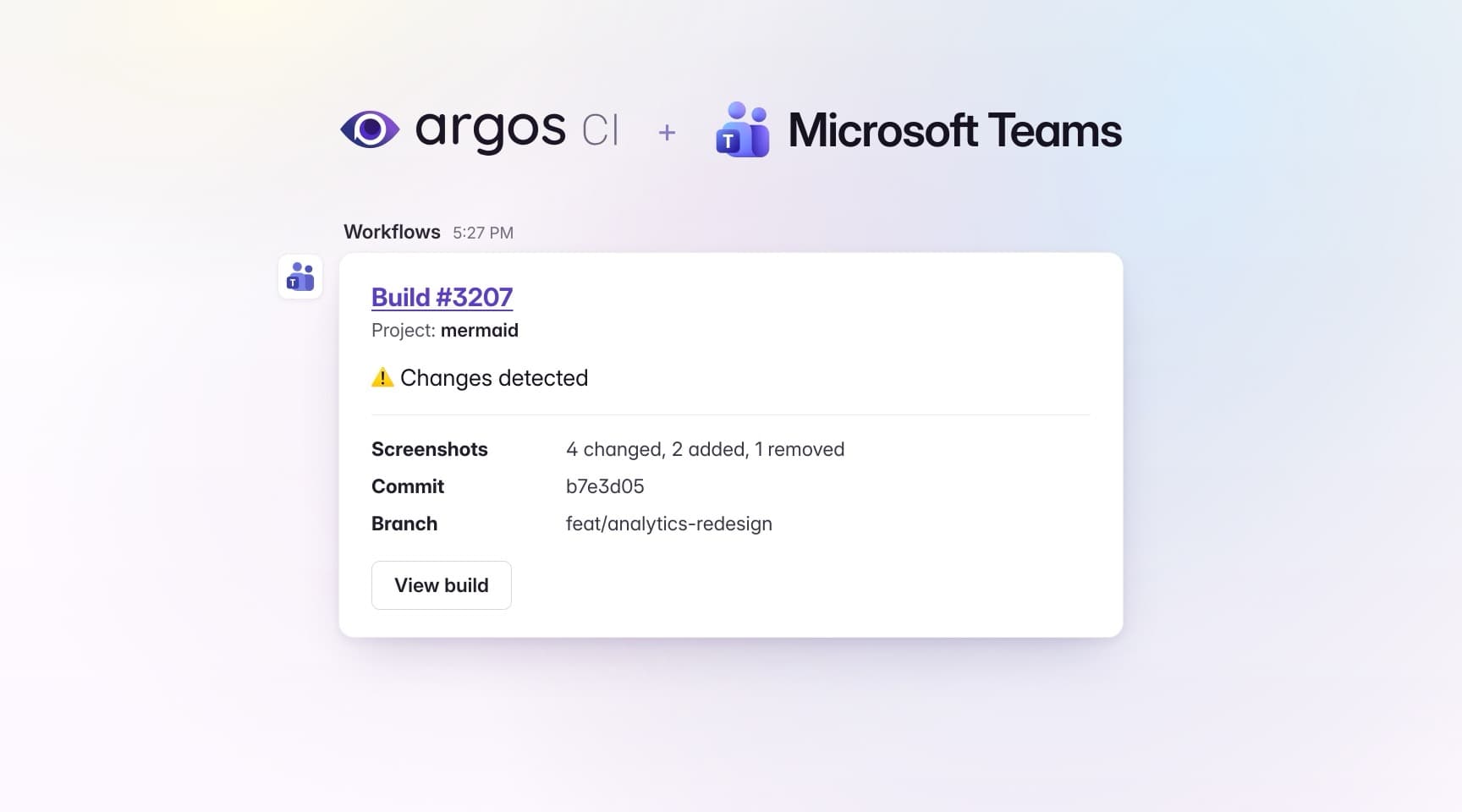
Argos now posts build notifications to Microsoft Teams. Connect a channel once and your team sees visual changes where it already works, without leaving Teams to check a build.
- Adaptive cards — build status, project, screenshot counts, commit, branch, and a View build button.
- Same automations as Slack — pick the events that trigger a notification, add conditions, and choose the channel to post in.
- Several channels per team — connect as many as you need, each with its own name and webhook.
Connect a channel in two steps
No app to install in your Microsoft 365 tenant: in Teams, add a Workflows › Send webhook alerts to a channel flow to the channel you want to notify, then paste the URL it gives you into your team's Settings › Integrations.
Each connected channel shows its webhook URL, and its actions menu lets you send a test message, copy the URL, or disconnect the channel. Only team admins can manage them, and the URL's signature stays masked for everyone else.