Discord notifications
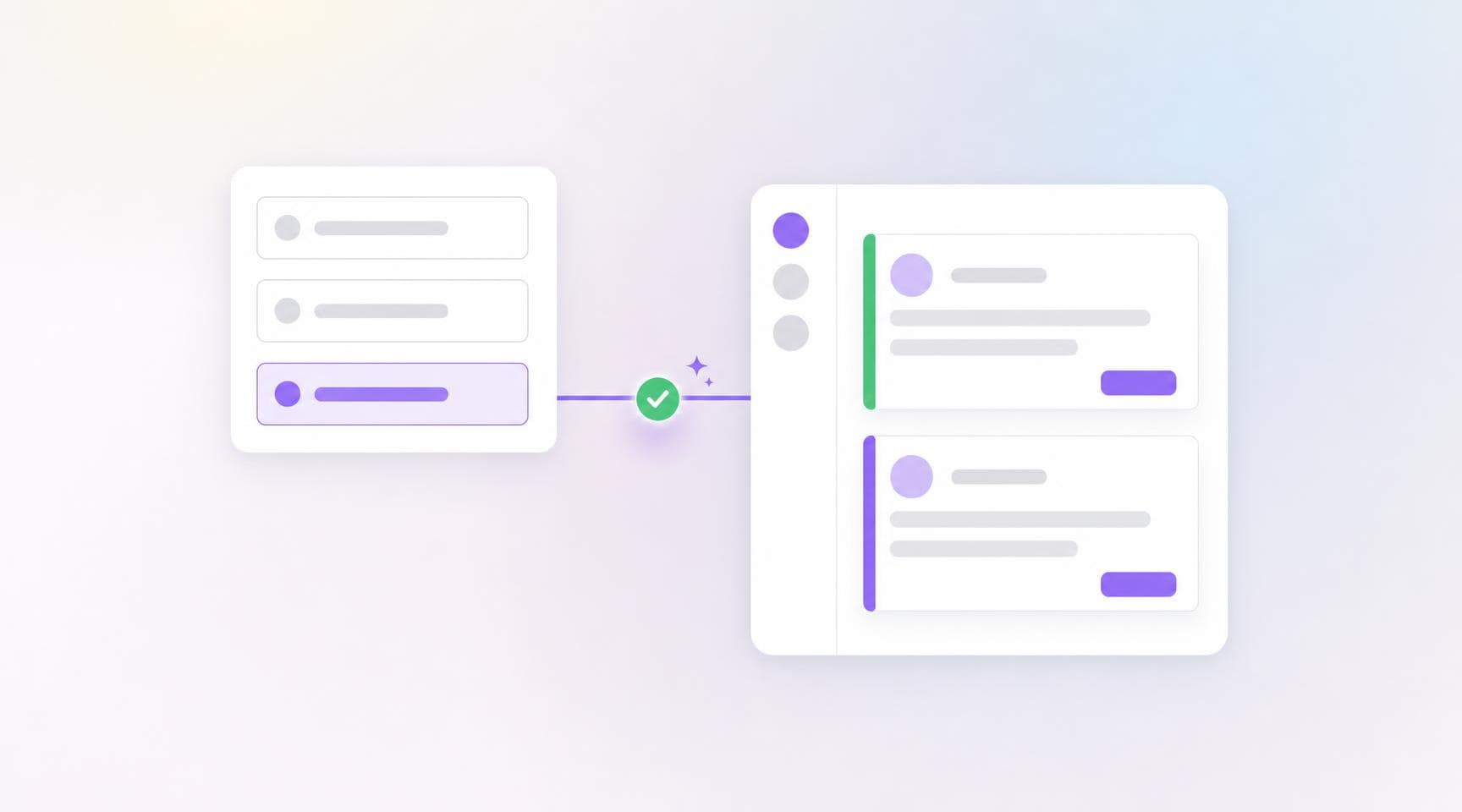
Argos now posts build notifications to Discord. Plenty of engineering teams run their day in Discord rather than Slack — now visual changes land there too, without anyone leaving the server to check a build.
- Embeds, not link dumps — build status, project, commit, branch, pull request, and a direct link to the build.
- Driven by automations — pick the events that trigger a notification, add conditions like "Build type is check", and choose the channel to post in.
- Several channels per team — connect as many as you need, each with its own name and webhook URL.
- Test before you trust it — send a test message from the channel's actions menu, or fire a real notification from the automation form with Send Test Notification.
Connect a channel in two steps
There's no bot to install in your server. In Discord, create a webhook on the channel you want to notify — Edit Channel › Integrations › Webhooks › New Webhook — then paste the URL into your team's Settings › Integrations. Argos posts under the name Argos whatever you called the webhook.
Because the connection is outbound only, Argos never reads messages in your server. Only team admins can add, test, or remove channels, and the webhook token stays masked as *** for everyone else — it's a secret, and anyone holding it can post to that channel.
Discord notifications are configured at team level and available on Pro and Enterprise plans. They join Slack and Microsoft Teams as notification targets, all sharing the same automations engine.