CLI docs search
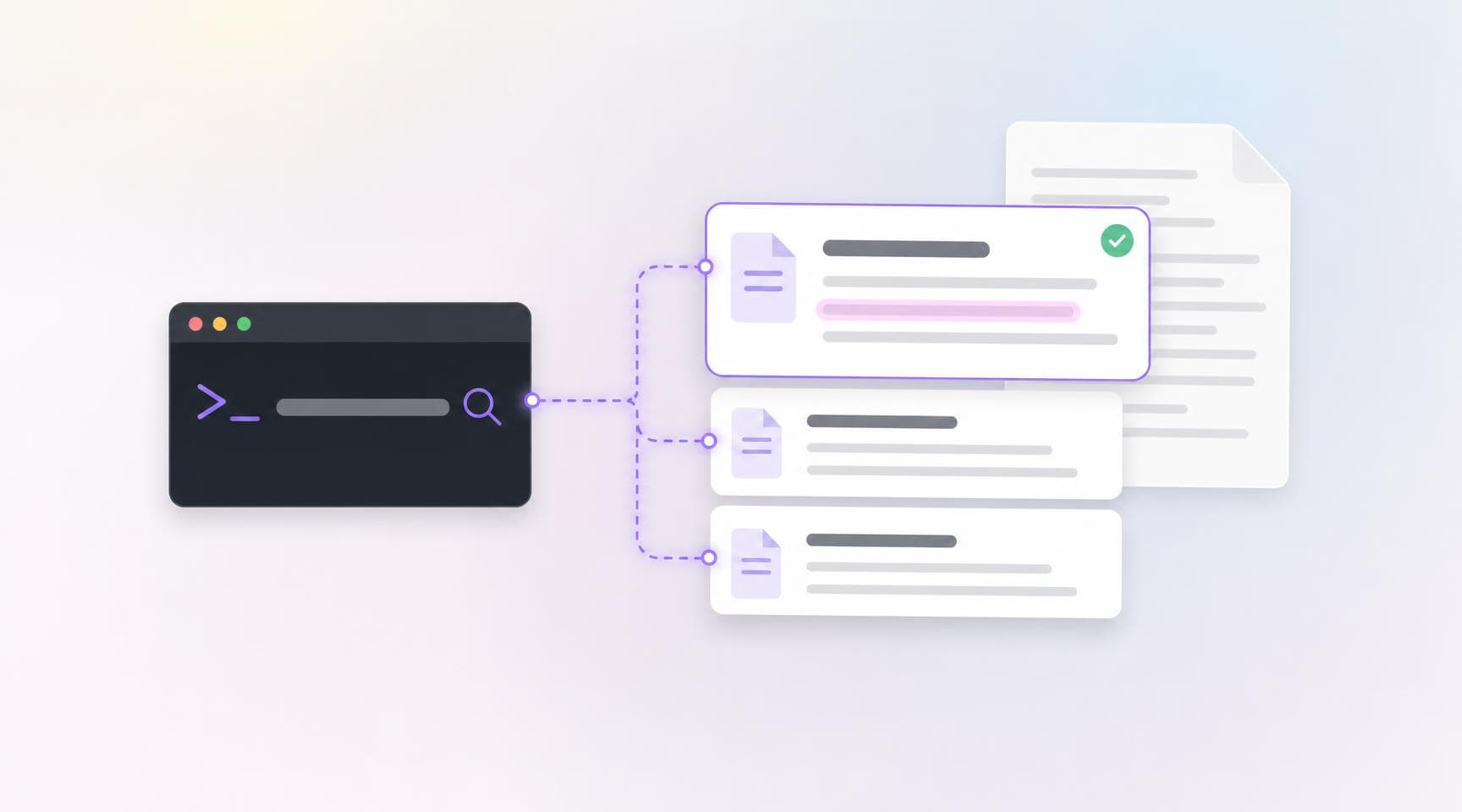
Checking how a flag or a config option works meant leaving the terminal for the docs. An agent working in your repository had it worse: it either guessed or had to be connected to an MCP server first. Docs search brings the documentation to the command line:
argos docs search "parallel builds"- Ranked pages, with the passage that matched: each result has its title, its URL and the excerpt that answers the query, best match first.
- No token: the search reads the public documentation, so it works before you create a project or run
argos login. - Built for agents:
--jsonprints[{ title, url, excerpt }], and--limitreturns up to 10 results (5 by default). - Read the whole page: append
.mdto a result's URL to get the page as Markdown.
Search, then read, in two commands:
url=$(argos docs search "parallel builds" --json | jq -r '.[0].url')
curl "$url.md"
Update @argos-ci/cli to the latest version to get it. Learn more in the CLI documentation.