Webhooks
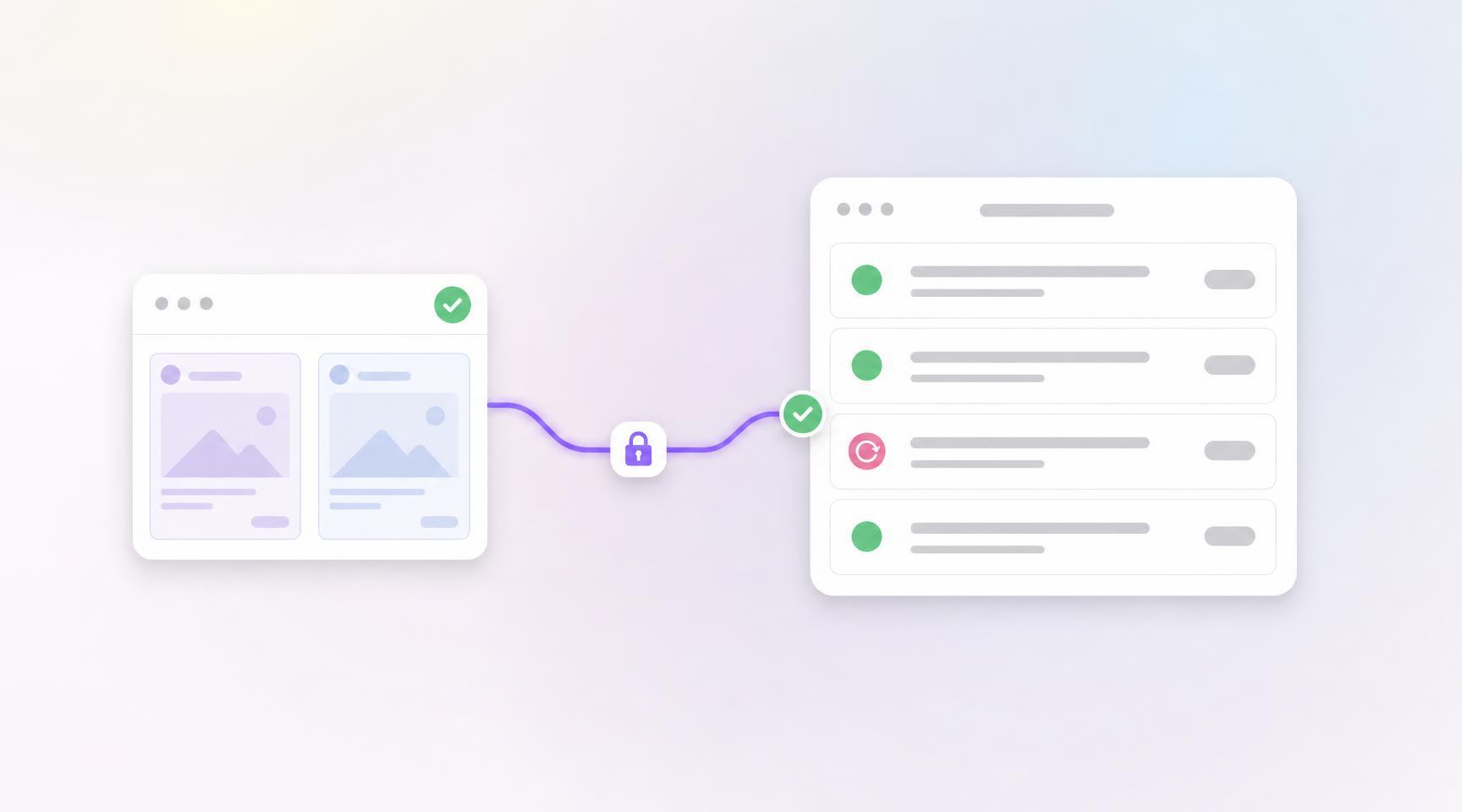
Argos already tells GitHub, Slack and your team when a build needs a look. Your own systems had to keep asking. Webhooks send them a signed POST when a build completes or gets reviewed, or when a deployment is created or ready: hold a release until its build is approved, or feed an internal dashboard.
- Four events:
build.completed,build.reviewed,deployment.createdanddeployment.ready. Each body carries the project and the build, review or deployment as it was when the event happened. - Signed with Standard Webhooks: every request is signed with the webhook's secret following Standard Webhooks, so an official library verifies it in a few lines.
- Retries and a delivery log: a failed attempt is retried after 10 seconds, 1 minute and 5 minutes. Each delivery shows the request Argos sent and what your endpoint answered, and Resend sends the event again once your endpoint is fixed.
- All projects, or a few: a webhook belongs to the account and covers every project, including the ones you create later, or only those you pick. Team owners add them from Team Settings → Webhooks.
No public endpoint? The events feed serves the same events through the REST API, and MCP clients read them through the draft MCP Events extension.
From the CLI and the API
Webhooks and their deliveries are in the REST API, the MCP server and the CLI, so an agent can set one up or find out why deliveries fail:
argos webhook create --account acme --url https://example.com/webhooks/argos \
  --events build.completed build.reviewed --projects web
argos webhook delivery list <webhookId> --status failed --account acme
Update @argos-ci/cli to the latest version to get argos webhook. Learn more in the webhooks documentation.