How to let Claude Code, Cursor and Codex review your visual diffs
Connect Claude Code, Cursor or Codex to the Argos MCP server with read-only scopes, then have the agent sort visual diffs into intended, regression or flaky.

Yes, AI coding agents like Claude Code, Cursor and OpenAI Codex can review the visual diffs from your screenshot tests, as long as they can read the build: the changed screenshots, each with its baseline, new and diff images and the test that took it. With Argos, an open-source visual regression testing platform, that access is one remote MCP server, https://mcp.argos-ci.com, which all three clients add with a URL and an OAuth sign-in. This guide connects each client with read-only scopes and gives the agent a triage prompt: the pixel diff finds what changed, the agent explains it against the pull request, and a person approves.
What does an agent need to review a visual diff?
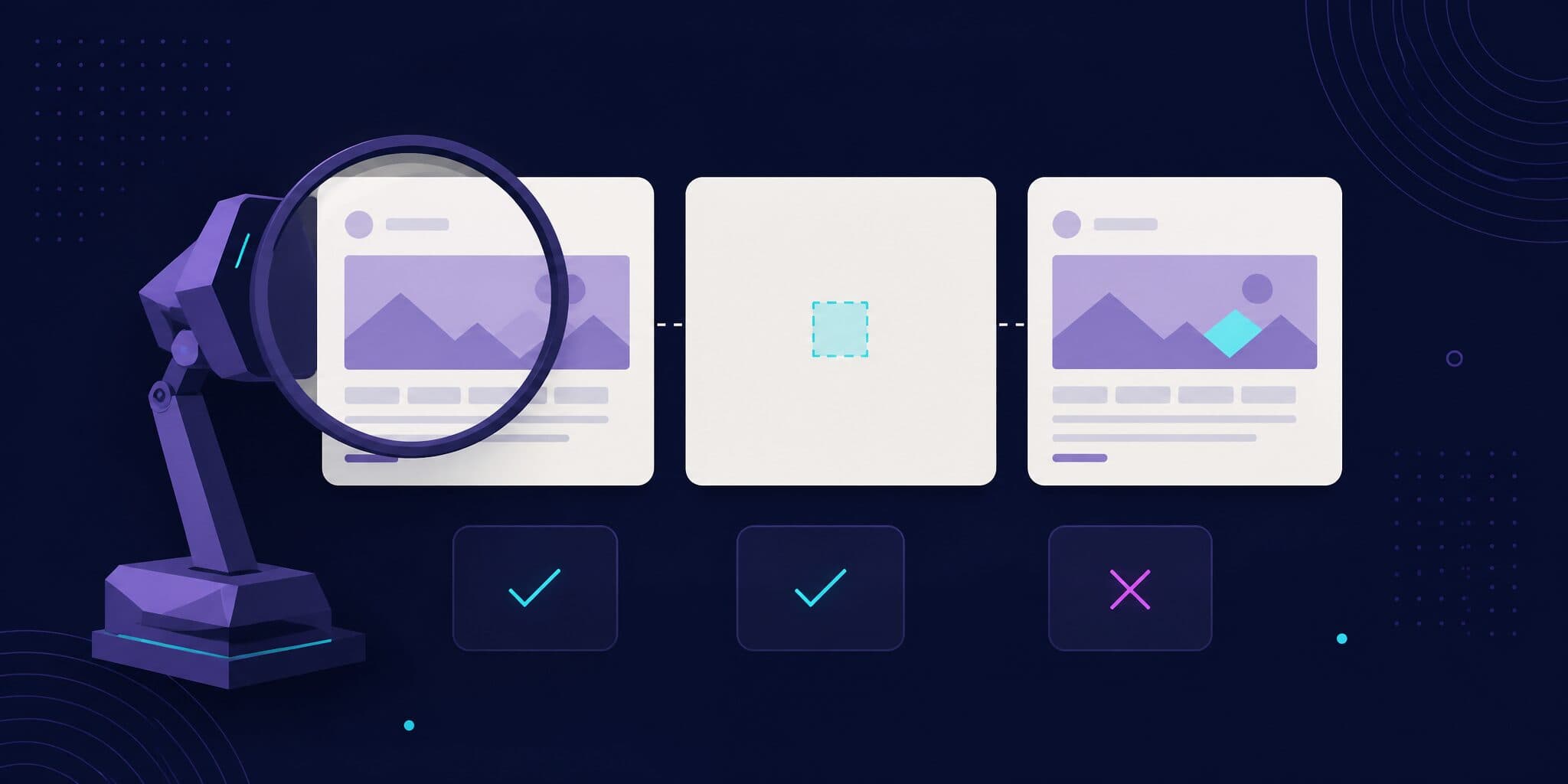
Two inputs. The first is what the pull request was supposed to change: its title, description and code diff, which the agent already reads from Git and GitHub. The second is what actually changed on screen, and that has to come from your visual testing service, because a model comparing two full screenshots by itself misses small changes (numbers further down). If you're still choosing a service, our comparison of visual testing tools with an MCP server covers Argos, Applitools, Happo, Percy and TestMu AI.
In Argos, that second input is a build: the screenshots CI uploaded for a commit, compared with a baseline build from your base branch. The MCP server exposes every REST API operation a user can call as a tool; these are the ones a review uses:
| Tool | What the agent gets |
|---|---|
getMe | Your user and the accounts the token can reach. Their slugs are the owner the other tools take, and the server tells agents to call it first |
listBuilds | A project's builds, most recent first, filtered by branch (head) or full commit SHA (headSha) |
getBuild | The build status (such as changes-detected, no-changes, accepted, rejected, pending or progress), its head and base commits, counts of changed, added and removed screenshots, and its URL |
listBuildDiffs | One entry per screenshot. Passing needsReview as "true" keeps only the changes waiting for a decision |
getTest, listTestChanges | One test's flakiness over time, and the distinct changes it produced |
createReview | Approve, reject or comment, optionally per screenshot. Needs the reviews:write scope |
Each entry from listBuildDiffs carries the evidence the agent reasons over. The field names come from the server's open-source schema at the October 6, 2026 commit:
status:changed,addedorremovedfor a change that needs review.url: the diff mask, an image that marks the pixels that changed.base.urlandhead.url: the baseline and the new screenshot, with theirwidthandheight.head.metadata: the pageurl,viewport,colorSchemeandbrowser, plus thetest(title, file, line, retry) or Storybookstorythat took the screenshot.test.metrics:flakinessfrom 0 (stable) to 1, withstability,consistencyanduniqueChanges, computed over the last 7 days unless you passmetricsPeriod.change.occurrences: how many times this exact change has appeared over that period.
Builds are addressed by owner, project and buildNumber, the three parts of a build URL such as https://app.argos-ci.com/acme/web/builds/42, so the agent can go straight from the link in the Argos status check to listBuildDiffs.
The tools return image URLs, not image data. The agent downloads the three images and opens the files: Claude Code's Read tool, Cursor's file-reading tool and Codex's view_image tool all accept local PNG files. Some image URLs are signed and expire after an hour, so download them in the same session.
How do you add the Argos MCP server to Claude Code?
Add the server, then sign in:
claude mcp add --transport http argos https://mcp.argos-ci.com
claude mcp login argos
claude mcp login opens the Argos consent page in your browser; running /mcp inside a session does the same. On that page you choose which organizations to share and which scopes to grant.
To share the setup with your team, commit a .mcp.json file at the repository root instead. Claude Code needs "type": "http" for a URL entry, and oauth.scopes pins the scopes it requests, here read-only:
{
  "mcpServers": {
    "argos": {
      "type": "http",
      "url": "https://mcp.argos-ci.com",
      "oauth": {
        "scopes": "profile projects:read comments:read"
      }
    }
  }
}
In interactive sessions, Claude Code asks each teammate to approve a project server from .mcp.json before it connects. To block review actions even for someone who granted more scopes, deny the write tools in .claude/settings.json. MCP tools are named mcp__<server>__<tool>:
{
  "permissions": {
    "deny": [
      "mcp__argos__createReview",
      "mcp__argos__dismissReview",
      "mcp__argos__ignoreChange"
    ]
  }
}
How do you add it to Cursor?
Add the server to .cursor/mcp.json for one project, or to ~/.cursor/mcp.json for all of them:
{
  "mcpServers": {
    "argos": {
      "url": "https://mcp.argos-ci.com"
    }
  }
}
Cursor then displays a Needs login prompt; click it to open the Argos consent page. According to Cursor's MCP documentation (checked October 2026), mcp.json can only pin OAuth scopes when you configure static client credentials, so pick the read-only scopes on the consent page instead. Cursor asks for approval before it runs an MCP tool by default: leave that on for this server.
How do you add it to Codex?
The quick way:
codex mcp add argos --url https://mcp.argos-ci.comWhen a server supports OAuth, codex mcp add starts the sign-in right away and requests every scope the server advertises (source), so uncheck the write scopes on the consent page. For a read-only setup that doesn't depend on that, write the entry yourself and log in afterwards:
# ~/.codex/config.toml (or .codex/config.toml in a trusted project)
[mcp_servers.argos]
url = "https://mcp.argos-ci.com"
scopes = ["profile", "projects:read", "comments:read"]
default_tools_approval_mode = "writes"
codex mcp login argosscopes sets what Codex requests at login (configuration reference), and writes makes Codex ask before any tool that isn't marked read-only (MCP docs). Argos marks every tool that only reads data as read-only. The ChatGPT desktop app and the Codex IDE extension share this configuration with the CLI.
We ran these setups with Claude Code 2.1.212 and Codex CLI 0.144.6 in a scratch directory on October 6, 2026. After claude mcp add, Claude Code reports the server as needing authentication; the .mcp.json entry loads as a project server pending approval; and codex mcp list shows the Codex entry as not logged in. The sign-in itself needs your Argos account, so it wasn't part of that check.
OAuth or a personal access token: which should the agent use?
Use OAuth. The token is limited to the organizations and scopes you approve, and you can revoke it under Authorized applications in your Argos settings. The scopes that matter for a review:
| The agent should | Scopes |
|---|---|
| Read builds, diffs and tests | profile, projects:read |
| Also read the review discussion | add comments:read |
| Post comments on screenshots | add comments:write |
| Approve, reject or ignore changes | add reviews:write |
A personal access token, sent as Authorization: Bearer <token>, works where OAuth can't, but it isn't scope-restricted: the agent can do anything your user can, including approving builds. Project tokens, the ones CI uses to upload screenshots, are rejected by the MCP server because they identify a project, not a person.
What prompt makes the agent sort intended changes, regressions and flakes?
Run this from the repository, with the agent able to read the pull request. It follows the same review logic as Argos's argos-pr-review agent skill, adapted to the MCP tools:
Review the visual changes of this pull request with the Argos MCP server.
Do not call createReview, dismissReview or ignoreChange.

1. Read the PR title, description and code diff. State in one sentence
   which UI change the PR intends.
2. Find the Argos build from the Argos status check link on the PR, or
   call listBuilds with headSha set to the PR's full head commit SHA.
   Call getBuild. If the status is pending or progress, stop and say so.
   If it is no-changes or accepted, there is nothing to review.
3. Call listBuildDiffs with needsReview "true" and perPage "100", and
   read every page.
4. For each diff, download url (the diff mask), base.url and head.url.
   Find the changed region in the mask, crop that region from the base
   and head images, and compare the two crops.
5. Classify each diff:
   - intended: matches the change you stated in step 1
   - regression: anything else, including a removed screenshot whose
     test the PR did not remove
   - flaky: test.metrics.flakiness is high, change.occurrences shows the
     same change in earlier builds, or the capture shows a loader, a
     frame of an animation, or head.metadata.test.retry above 0
6. For each regression, name the likely cause: the test at
   head.metadata.test.location and the changed files that render it.
7. Reply with a table: screenshot name, verdict, evidence, likely cause.
Step 4 matters most for small changes. Claude Code's documentation says large images may be downscaled before the model sees them and recommends cropping the region of interest when fine detail matters; a 1px border change in a full-page screenshot is that case.
The flaky signals in step 5 are the ones listBuildDiffs returns for every diff. A test that has been stable and changed in this pull request is more likely an intended change or a regression, so don't let the agent call it flaky on the visuals alone. If you'd rather start from a ready-made prompt, Argos build pages generate one with the build URL and pull request context filled in (changelog). Since August 2026 the button can also open it directly in Claude, Codex or Cursor (commit). That prompt drives the Argos CLI rather than the MCP server.
Should the agent approve the build?
Keep the approval with a person. In Argos, a single approval passes a build unless someone rejected it (how reviews decide the build status), and an approved build can become the baseline for later builds. An agent with reviews:write that approves its own pull request has decided what your UI should look like. The same goes for baselines committed to Git, covered in stop your AI agent from rewriting screenshot baselines.
Seeing the diffs can make an agent push back on its own work. An Argos co-founder who wired visual diffs into an agent workflow wrote on Hacker News in April 2026: "Sometimes it would refuse to approve its own PR." The same post called the setup not yet reliable enough to trust without a person.
If an agent does submit a review, Argos labels it: since August 2026, the reviewer list shows which agent submitted a review (commit). The label comes from the client's OAuth registration or the CLI's agent detection, which the client reports itself (source), so treat it as attribution, not as access control.
How reliable are AI models at spotting UI changes?
Not reliable enough to find changes on their own. The DiffSpot benchmark (arXiv, May 2026) built 4,400 pairs of web interface screenshots: 3,900 where a single CSS property of one element changed, and 500 with no change. Of the 13 vision-language models it tested, the best identified 40.7% of the real changes, and every model stayed under 23% recall on the hardest tier.
Newer models do better on small screenshots. In our own test, Claude Opus 5.5, Claude Sonnet 5.5, GPT-6 Astra and GPT-6.1 Sol flagged 93 to 99% of one-property changes between two 800×600 component screenshots, but only 64 to 86% on full-page screenshots, which both APIs shrink before the model sees them. With the diff mask added, all four flagged every change.
So don't ask the agent to spot differences between two full screenshots. A pixel diff reports every region whose change exceeds its threshold, by construction; the agent's job is to explain the region the diff mask already marks, using the pull request as context. That's why the prompt starts from listBuildDiffs and crops around the mask.
Can you do this without MCP?
Yes, if the agent has a terminal. The Argos CLI returns the same diff data as JSON, and Argos's agent skills teach the agent the review workflow:
npx skills add https://argos-ci.com
npx @argos-ci/cli build snapshots https://app.argos-ci.com/acme/web/builds/42 --needs-review --json
The CLI can read builds with the project token (ARGOS_TOKEN), which can't submit a review. That makes it the route for CI: OAuth needs a browser, and Claude Code can't run the OAuth flow in non-interactive mode. The full CLI walkthrough is in reviewing Argos builds with AI agents.
FAQ
Can Cursor see my screenshot diffs?
Yes, once the Argos MCP server is in .cursor/mcp.json and you've signed in. The tools return the baseline, new and diff image URLs, and Cursor's agent can download them and open the PNG files with its file-reading tool, which passes images to vision-capable models.
Can the agent approve the build?
Only if you grant the reviews:write scope or give it a personal access token. We recommend neither: a single approval passes the Argos check unless someone rejected the build. Let the agent report or comment, and approve yourself.
Does this work in CI without a human?
Not with OAuth, since the sign-in needs a browser, and a personal access token would carry all your permissions. In CI, run the Argos CLI with the project token instead (argos build snapshots <build-url> --needs-review --json): it reads the build but can't submit a review, which keeps the approval with a person.
Which other clients work with the Argos MCP server?
Any client that connects to remote Streamable HTTP MCP servers with OAuth. The Argos MCP docs include setup for Claude.ai and Claude Desktop (as a custom connector), VS Code with GitHub Copilot, and Windsurf, in addition to the three clients in this guide.
What does the agent need access to?
The pull request (title, description, code diff) to know what was meant to change, and your Argos account through OAuth with profile and projects:read to read builds and diffs. It doesn't need your CI secrets, your project token or any write scope.
Conclusion
Coding agents can review visual diffs now, and the setup is a URL and a sign-in in each client. Give the agent read-only scopes, make it start from the pixel diff rather than its own reading of two screenshots, and keep the approval for a person on the review page or in the pull request.