Visual testing a component library: how Base UI screenshots every demo
Base UI turns every docs demo into a visual regression test: a Vite fixture app, Playwright screenshots on CircleCI, and Argos diffs on each pull request.

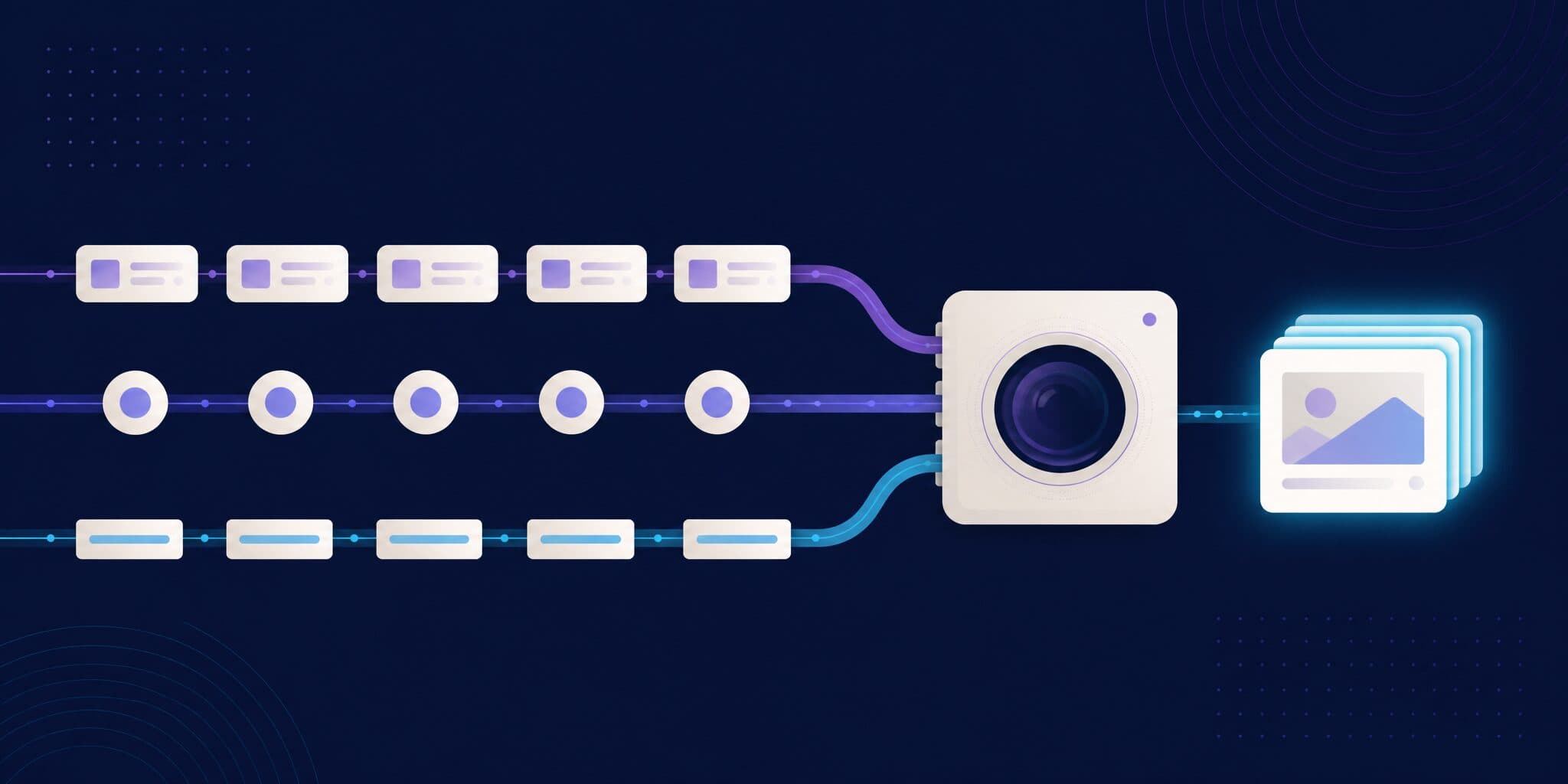
Base UI, the unstyled React component library from the creators of Radix, Floating UI and Material UI, runs visual regression testing on its documentation demos: every demo becomes a route in a small Vite app, Playwright screenshots each route in Chromium, and Argos compares the screenshots with the base branch on every pull request. There is no Storybook and no screenshot test written per component. At the commit we read (f292461, October 6, 2026), that meant 267 demo files, screenshotted in 28 seconds of test time on CircleCI. Here is the setup file by file, with permalinks, so you can copy it for your own component library or design system.
How does Base UI run visual regression tests?
The setup has four pieces, all in the public mui/base-ui repository:
| Piece | File | Role |
|---|---|---|
| Fixture list | test/regressions/fixtures.ts | Collects every docs demo, plus any regression-only fixture |
| Fixture app | test/regressions/main.tsx, test/regressions/TestViewer.tsx | One route per fixture, and a signal that tells the test a demo is ready |
| Screenshot runner | test/regressions/index.test.ts | A Vitest file that drives Playwright's Chromium through every route and writes PNGs |
| CI | .circleci/config.yml | Runs the suite in the Playwright Docker image, then uploads the PNGs to Argos |
pnpm test:regressions ties them together (package.json): it builds the fixture app with Vite in production mode, serves it on port 5173 with serve, and runs the Vitest project regressions against it.
The test never compares pixels. It writes one PNG per route into test/regressions/screenshots/chrome/, and the comparison happens in Argos after the upload. A visual change can't fail the CircleCI job; it shows up as a separate status check.
How do the docs demos become test fixtures?
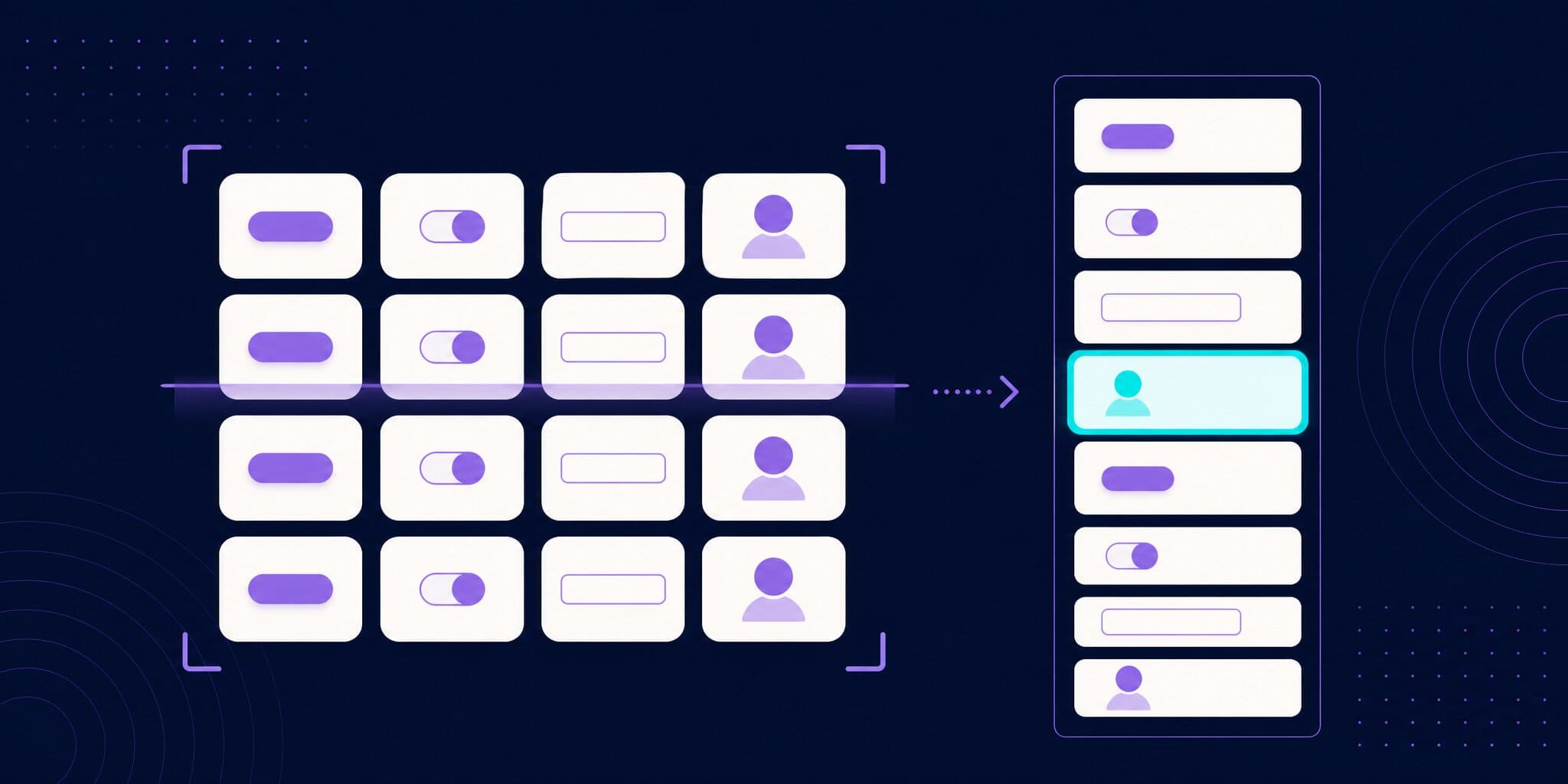
fixtures.ts uses Vite's import.meta.glob twice. The first glob picks up regression-only fixtures in test/regressions/fixtures/. The second picks up every .tsx file of the docs' React pages with the pattern docs/src/app/?docs?/react/**/*.tsx (each ? matches one parenthesis of the Next.js route group (docs)). Every file with a default export becomes a fixture, and its path becomes a route such as /docs-components-accordion-demos-hero-css-modules/index.tsx.
The regressions README sets the policy: all demos are included by default, redundant or flaky ones can be excluded, and new behavior should get a docs demo, so one file serves as documentation and as a test. At this commit the exclusion list is empty and test/regressions/fixtures/ only holds a .gitkeep, so every screenshot comes from a public demo.
How we counted: of the 283 .tsx files under docs/src/app/(docs)/react/, 267 have a default export (the other 16 are helpers). They are 142 demos: 125 in both a CSS Modules and a Tailwind CSS version, 14 in CSS Modules only, 3 in Tailwind only. 256 files cover 37 components; the Handbook and Utils pages add 11. Running the suite produced exactly 267 tests.
How does the fixture app know a demo is ready?
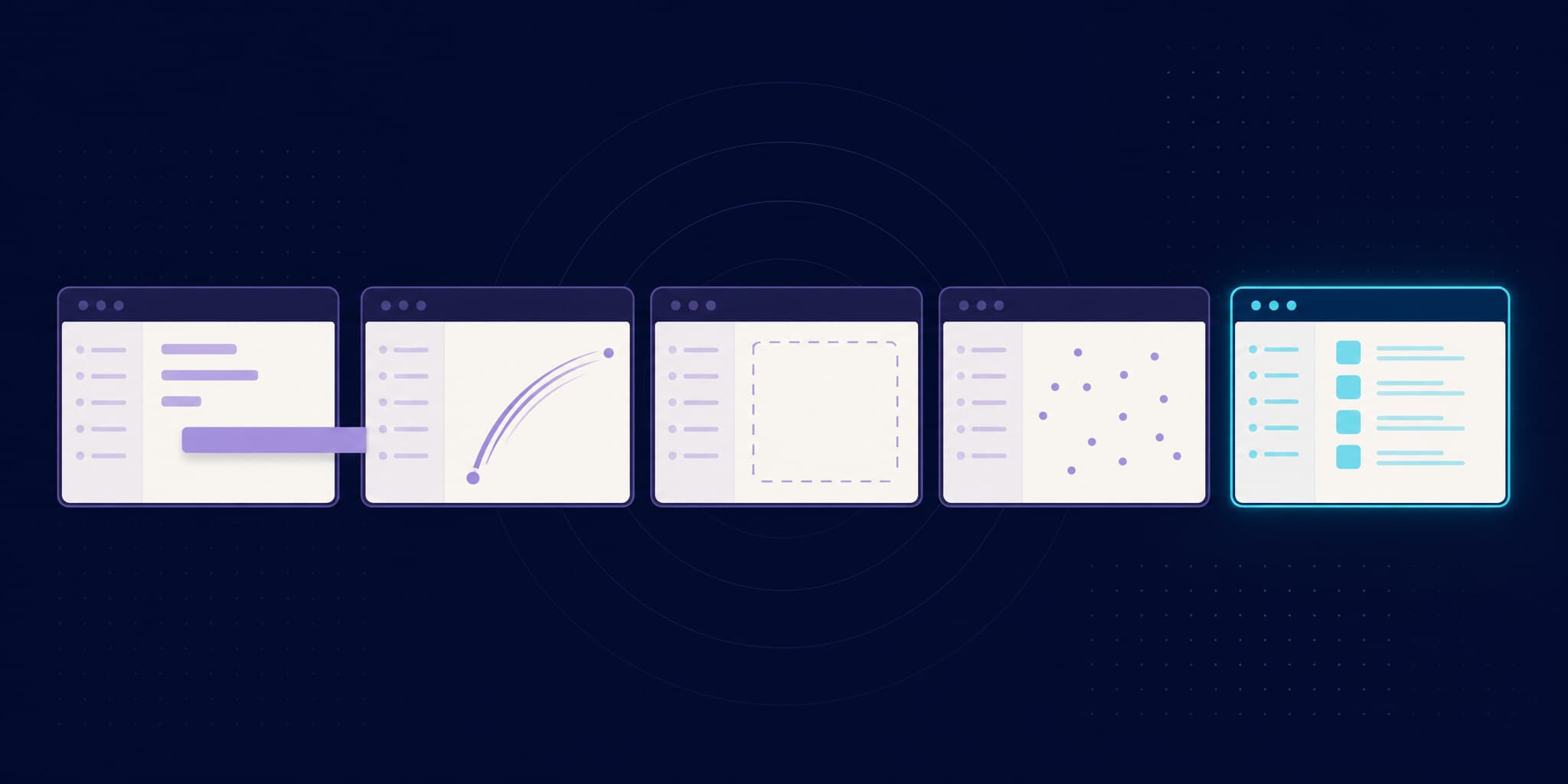
main.tsx declares one React Router route per fixture and renders a hidden list of links to every route. Each fixture renders inside TestViewer, which does three things:
- Signals readiness. The wrapper
divhasaria-busy={!ready}anddata-testid="testcase".readyturns false on adocument.fontsloadingevent and true onloadingdoneoncedocument.fonts.statusis'loaded', so the test waits for web fonts before each screenshot. - Removes motion. A global style sets
transition: none !importantandanimation: none !importanton every element. - Matches each styling approach. CSS Modules demos get
box-sizing: content-boxonhtml, inherited by every element. Tailwind demos skip that rule because they rely on Preflight'sborder-box.
The app also imports the docs' global stylesheet and serves the Die Grotesk font files from test/regressions/public/fonts/.
How does the test drive Playwright?
index.test.ts runs under Vitest, but not in Vitest browser mode: the project config sets environment: 'node' and browser.enabled: false. The file launches Chromium itself with @playwright/test 1.63.0 (lines 10-32):
| Setting | Value at this commit | Reason given in the code |
|---|---|---|
chromium.launch args | ['--font-render-hinting=none'] | None |
headless | false | "otherwise the loaded google Roboto font isn't applied" |
viewport | { width: 1000, height: 700 } | Reused from vrtest, an older visual regression library used by Material UI |
reducedMotion | 'reduce' | None |
timezoneId | 'UTC' | None |
Requests with resource type image | Aborted | They slow tests down and are "most likely decorative" |
Before the tests, it opens the app once with waitUntil: 'networkidle' so shared resources such as fonts load, and reads the route list from the hidden links. Then each test:
- Clears
localStorage. - Clicks the route's link inside the page. The code comment says this client-side routing is "much faster" than a full page load with
page.goto(), and warns that it could become an issue with test isolation. - Moves the mouse to
(0, 0)so no hover style applies. - Waits for
[data-testid="testcase"]:not([aria-busy="true"]). - Screenshots that element, or an element marked
data-testid="screenshot-target"if the fixture provides one.
Each test has a 5-second timeout, and the shared Vitest config retries a failed test once on CI.
Why does Base UI run Chromium headed in CI?
The comment next to headless: false gives the reason: otherwise the loaded web font isn't applied. CircleCI has no display, so the job wraps the command in xvfb-run, which starts a virtual X server.
We ran the suite in the same Docker image as CI (mcr.microsoft.com/playwright:v1.63.0-noble, arm64 variant on an Apple Silicon Mac, Chrome for Testing 153.0.8010.12) and compared the 267 screenshots of each run with pixelmatch:
| Comparison | Screenshots with any differing pixel | Differing at pixelmatch's default threshold |
|---|---|---|
| Headed, two runs with identical settings | 31 (1-3 pixels each) | 0 |
Headed, with and without --font-render-hinting=none | 21 (1-3 pixels each) | 0 |
Headless, with and without --font-render-hinting=none | 247 | 243 |
| Headed vs headless, both with the flag | 255 (after cropping to the same width) | 251 |
Three things follow:
- Headed and headless aren't interchangeable. Playwright ships "a separate chromium headless shell for headless mode" (docs) and adds
--hide-scrollbarsto headless launches (source). The docs CSS keeps a scrollbar on the page (overflow-y: scroll), so headed screenshots are 985 px wide and headless ones 1,000 px. Text renders differently too. Switching modes means re-approving every screenshot. --font-render-hinting=noneis a headless switch. Chromium documents it as "Sets font render hinting when running headless" (switches.h). In headed mode, removing it changed nothing beyond run-to-run noise. Copy it into a headless setup and it changes most screenshots.- Zero tolerance is too strict, even in a pinned container. Two identical headed runs differed by 1 to 3 near-white pixels in 31 screenshots. Base UI uploads with a diff threshold of 0.5.
These numbers come from arm64. CircleCI runs amd64, where pixel values can differ; the comparisons above are within one environment.
How do the screenshots get to Argos?
This is the CircleCI job:
# .circleci/config.yml (excerpt)
jobs:
  test_regressions:
    <<: *default-job
    resource_class: medium+
    executor:
      name: code-infra/mui-node-browser
      playwright-img-version: v1.63.0-noble
    steps:
      - checkout
      - code-infra/install-deps
      - run:
          name: Run visual regression tests
          command: xvfb-run pnpm test:regressions
      - store_test_results:
          path: test-results
      - code-infra/argos-push
code-infra/mui-node-browser is an executor from MUI's shared CircleCI orb that runs mcr.microsoft.com/playwright at the given tag (orb). The orb's argos-push step runs code-infra argos-push, MUI's alternative to the Argos CLI (identical to the 0.1.1-canary.6 release Base UI pins). It splits the screenshots into batches of 200 and uploads each batch with upload() from @argos-ci/core as one shard of a parallel build: parallel.total is the number of batches and parallel.nonce is the CircleCI build number. The diff threshold is 0.5 unless ARGOS_THRESHOLD is set.
For the commit we read, the CircleCI job took 87 seconds: 49.5 seconds to build the fixture app and take the screenshots, 18 seconds for the upload step, which sent the screenshots in two batches. Argos build #32036 finished comparing 3 seconds after it was created: every screenshot was unchanged, so Argos set the argos/base-ui status to "Auto-approved, no changes found".
What does a contributor see on a pull request?
A pull request gets two checks. ci/circleci: Regression tests fails when the run itself breaks, for example a demo that never leaves aria-busy within the 5-second timeout. argos/base-ui reports the visual result, and CONTRIBUTING.md explains how to read it: it fails when Argos detects differences, which "doesn't necessarily mean that your PR gets rejected, as a failure might be intended."
The check's Details link opens the Argos build, where a maintainer compares each changed screenshot with its baseline and approves or rejects the build. Nothing is committed to the repository: Argos picks the baseline from approved builds in the branch's Git history, up to the merge base with master.
What can your component library copy?
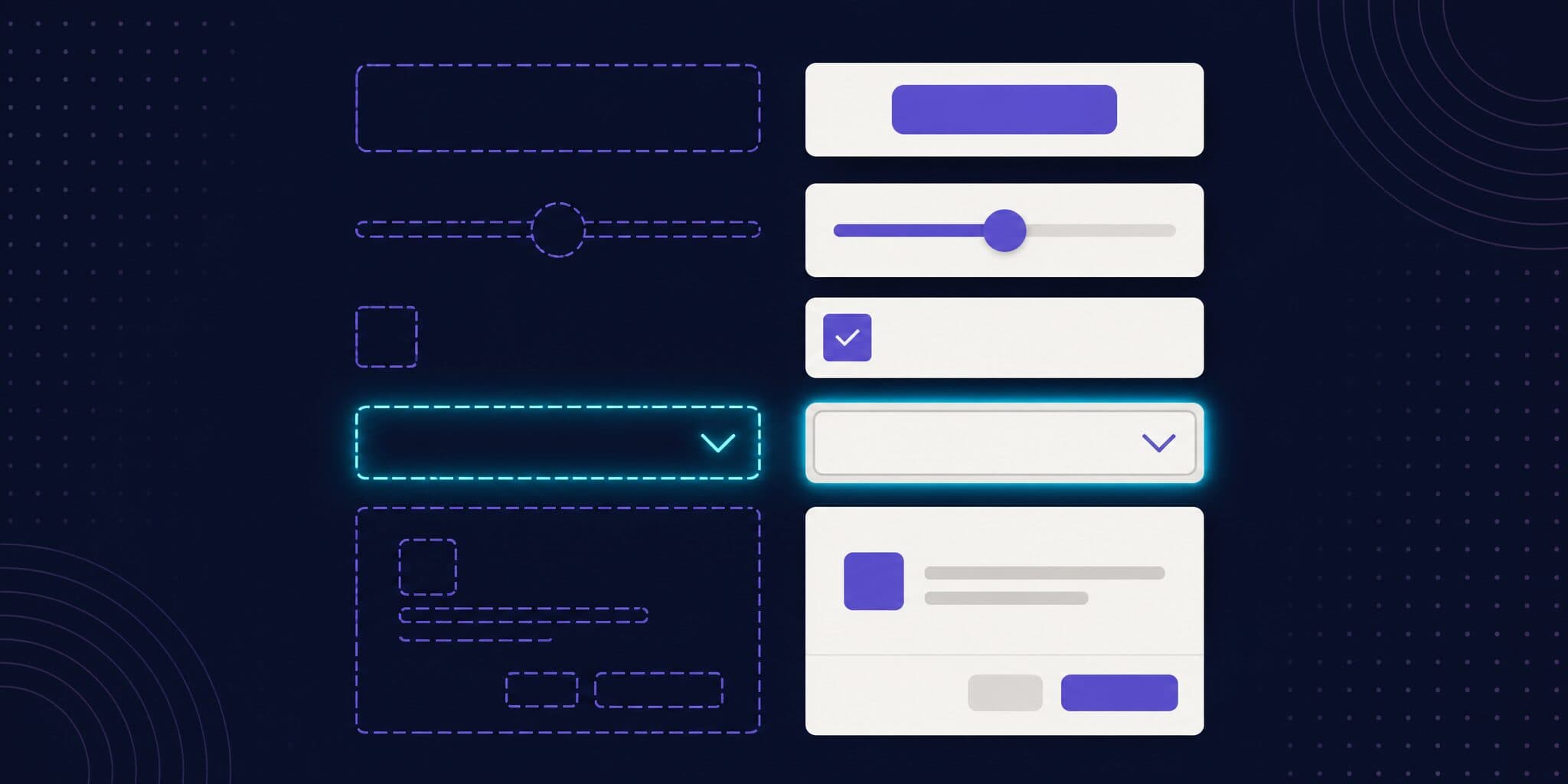
- Make the demos the fixtures. One file documents a state and protects it.
- Use one app with one route per fixture. Load it once and switch routes on the client: Base UI's 267 screenshots take under 30 seconds of test time.
- Define readiness explicitly. An
aria-busywrapper that waits fordocument.fontsis a contract any fixture can extend. - Pin what varies. Viewport, timezone, reduced motion, storage, mouse position, decorative images, the Docker image tag and the browser mode.
- Screenshot the component, not the page. Element screenshots keep diffs small; a
screenshot-targethook covers fixtures whose content sits elsewhere.
What are the trade-offs?
- One viewport, one browser, one color scheme. 1000×700 in Chromium, with Playwright's default light color scheme.
- Initial render only. Menus, dialogs, drawers, popovers and tooltips are captured closed: in our run, 146 of the 267 screenshots were 50 px tall or less, most of them a trigger button. Open, hover and focus states need a dedicated fixture or a demo that opens itself.
- No images. Blocking image requests speeds things up, but an image regression (the Avatar demo's photo, for example) goes unseen.
- Docs edits become visual changes. Restyling a demo for the docs produces diffs to review. That's the cost of sharing one file.
When are Storybook or E2E screenshots a better fit?
Choose Storybook if your team already writes stories, wants many states per component through args, or needs interaction states from play functions; you can screenshot every story on each pull request. Choose Chromatic if you want stories captured in Chrome, Firefox, Safari and Edge (Chromatic docs, checked October 2026) with a Storybook-native review (comparison). Choose Vitest browser mode or Playwright component tests if your tests already mount components with props (where component screenshots should live). Choose page-level E2E screenshots for composed layouts with real data. For a few dozen demos and one maintainer, Playwright's toHaveScreenshot with committed baselines is enough.
Base UI's approach wins when the docs demos already cover the states you care about.
Where does Argos fit?
Here, Argos receives PNG files from CI, picks the baseline from the Git history, diffs each pair with the threshold you send, and reports a status check with a review UI. It doesn't render components, choose fixtures or run the browser. MUI runs Argos on five projects, with more than 1,100 screenshots per Material UI build (customer story).
You don't need MUI's batch uploader. The Argos CLI uploads a folder from any CI:
# .circleci/config.yml
version: 2.1

jobs:
  visual-tests:
    docker:
      - image: mcr.microsoft.com/playwright:v1.63.0-noble
    steps:
      - checkout
      - run: npm ci
      # xvfb-run gives a headed browser a virtual display
      - run: xvfb-run npm run test:screenshots
      - run: npm exec -- argos upload ./screenshots

workflows:
  visual:
    jobs:
      - visual-tests
Set ARGOS_TOKEN as a CircleCI project environment variable. The CLI reads the commit, branch and pull request from CircleCI's own variables (source). The any test framework guide covers the rest.
FAQ
Does Base UI use Storybook for visual tests?
No. At commit f292461 the repository has no Storybook configuration and no stories. Visual tests reuse the docs demos through a Vite fixture app, and Playwright screenshots one route per demo.
Why does Base UI run Chromium headed in CI?
A comment in the test file says the loaded web font isn't applied in headless mode, so it launches with headless: false and CircleCI provides a virtual display through xvfb-run. Headed and headless Chromium are different binaries in Playwright and produced different screenshots in our run, so pick one mode and keep it.
How does Base UI avoid flaky screenshots?
A wrapper keeps each demo aria-busy until fonts finish loading, and global CSS disables transitions and animations. The viewport, timezone and reduced motion are fixed, images are blocked, local storage is cleared and the mouse is parked at (0, 0). The suite runs in a pinned Playwright Docker image and uploads with a 0.5 diff threshold.
Can I copy this setup for my design system?
Yes, if your docs demos cover the states you want to protect. You need a fixture list (an import.meta.glob over your demos), an app with one route per demo, a readiness signal, a screenshot loop, and something to compare images: Playwright's toHaveScreenshot with committed baselines, or a service such as Argos.
Does Argos work with CircleCI?
Yes. Base UI uploads from CircleCI with MUI's argos-push command, built on @argos-ci/core. The standard @argos-ci/cli reads CircleCI's commit, branch and pull request variables: set ARGOS_TOKEN and run argos upload on your screenshot folder.