Block a pull request until visual changes are approved on GitHub
To block a GitHub pull request until visual changes are approved, run Playwright with Argos in GitHub Actions and make the argos status check required.

To block a GitHub pull request until someone approves its visual changes, run your visual regression tests in GitHub Actions with a tool that posts a status check, then make that check required in a branch ruleset. With Playwright and Argos, the argos status fails while screenshots differ from the baseline and turns green once a reviewer approves the build, so the pull request cannot merge before that. Playwright's built-in toHaveScreenshot can gate merges too, but approving a change there means committing new baseline images.
How does a visual check block a merge on GitHub?
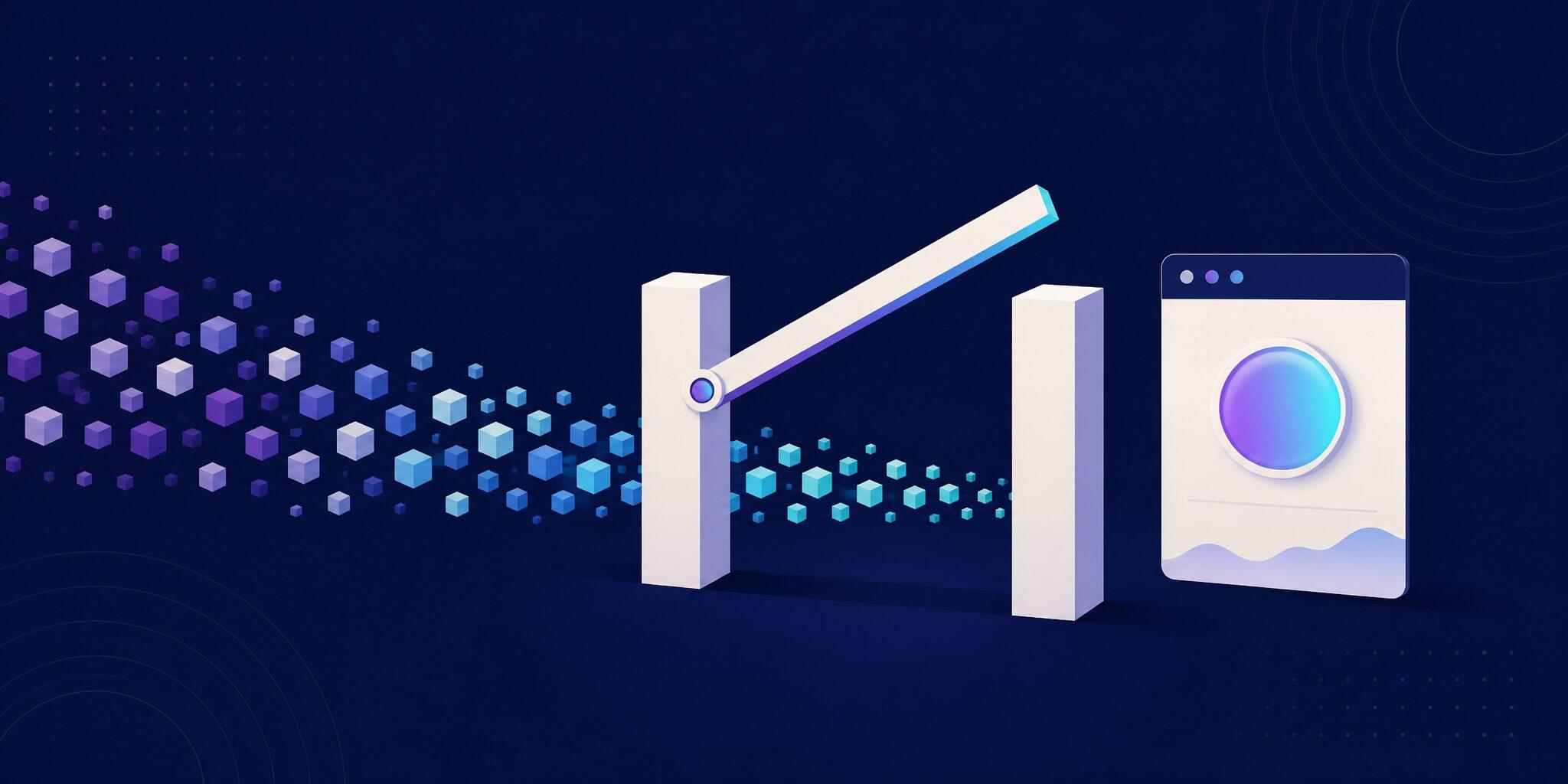
GitHub never looks at screenshots. It blocks merges on required status checks: a ruleset lists check names, and a pull request can't merge until each of them reports success on its latest commit. Required checks can be check runs or commit statuses, so any visual testing tool that posts a status can act as the gate. Rulesets are available for public repositories on GitHub Free and for private ones on Pro, Team and Enterprise Cloud. Classic branch protection rules work the same way.
There are two ways to produce that status:
- The test fails.
toHaveScreenshotfails the CI job when pixels differ. The job's check is the gate, and turning it green means updating the baseline PNGs in the branch. - A review service holds the status. Your tests upload screenshots, the service compares them with a baseline and keeps its status red or pending until a person approves. Argos, Chromatic and Percy work this way.
Can you gate visual changes with Playwright alone?
Yes. A failing toHaveScreenshot assertion fails the job, and a required job check blocks the merge. To accept an intended change, someone regenerates the baselines with --update-snapshots and commits them (see how to accept one changed Playwright screenshot). The weak spot is that approval is whatever gets committed: nothing forces anyone to open the new PNGs.
GitHub's code owners close part of that gap. Assign Playwright's snapshot folders to the people who should sign off:
# .github/CODEOWNERS
*-snapshots/ @acme/ui-reviewers
Then turn on "require review from Code Owners" in the ruleset's pull request rule. Every pull request that changes a baseline now needs an approval from that team (GitHub docs). CODEOWNERS uses gitignore-style patterns, so *-snapshots/ matches Playwright's <test file>-snapshots/ folders at any depth (I checked the pattern with git check-ignore). Two limits remain: code owners need write access to the repository, and they review raw PNGs in the "Files changed" tab.
How do you run Playwright and Argos in GitHub Actions?
Install @argos-ci/playwright (Playwright integration) and add its reporter, which uploads screenshots when CI is set:
// playwright.config.ts
import { createArgosReporterOptions } from "@argos-ci/playwright/reporter";
import { defineConfig, devices } from "@playwright/test";

export default defineConfig({
  testDir: "./tests",
  reporter: [
    process.env.CI ? ["dot"] : ["list"],
    [
      "@argos-ci/playwright/reporter",
      createArgosReporterOptions({ uploadToArgos: !!process.env.CI }),
    ],
  ],
  use: {
    baseURL: "http://localhost:3000",
    trace: "on-first-retry",
    screenshot: "only-on-failure",
    launchOptions: {
      args: ["--disable-lcd-text", "--font-render-hinting=none"],
    },
  },
  projects: [{ name: "chromium", use: { ...devices["Desktop Chrome"] } }],
  webServer: {
    command: "npm run start",
    url: "http://localhost:3000",
    reuseExistingServer: !process.env.CI,
  },
});
// tests/pricing.spec.ts
import { argosScreenshot } from "@argos-ci/playwright";
import { test } from "@playwright/test";
test("pricing page", async ({ page }) => {
await page.goto("/");
await argosScreenshot(page, "pricing");
});The workflow runs on pull requests, on the merge queue and on pushes to main, whose builds become the baselines. It stores no secret: with id-token: write, the SDK authenticates with GitHub OIDC once you enable GitHub OIDC in the Argos project under Project Settings → Authentication.
# .github/workflows/visual-tests.yml
name: Visual tests

on:
  push:
    branches: [main]
  pull_request:
  merge_group:

jobs:
  playwright:
    runs-on: ubuntu-24.04
    permissions:
      contents: read
      id-token: write # Argos authenticates with GitHub OIDC, no secret
      pull-requests: read
    steps:
      - uses: actions/checkout@v7
      - uses: actions/setup-node@v7
        with:
          node-version: 24
          cache: npm
      - run: npm ci
      - run: npx playwright install --with-deps chromium
      - run: npx playwright test
        env:
          # Lets the Argos SDK look up the queued pull request in merge_group runs
          GITHUB_TOKEN: ${{ secrets.GITHUB_TOKEN }}
I ran this setup with Playwright 1.63.0 and @argos-ci/playwright 7.7.1 (upload disabled locally), and both workflows in this article pass actionlint 1.7.12. That run also showed a useful default: when the upload fails, the reporter fails the run even if every test passed. With CI=true and no credentials, Playwright printed 1 passed, then Missing Argos repository token 'ARGOS_TOKEN', and exited with code 1. A broken upload shows up as a red job instead of a silently missing check.
What does the Argos check report, and when does it turn green?
Argos posts a commit status on the pull request's head commit. It is named argos, or argos/<build-name> for a named build, and Argos adds argos/summary when a commit has several builds (commit status names). The states below come from the Argos source:
| Build | GitHub state | Description |
|---|---|---|
| Uploaded, being compared | pending | "Build is queued", "Build in progress..." |
| No visual changes | success | "Everything's good!" |
| Changes detected | failure | ends with "waiting for your decision" |
| Changes approved | success | ends with "approved" |
| Changes rejected | failure | ends with "rejected" |
Changes on an auto-approved branch (main) | success | ends with "automatically approved" |
| Skipped build | success | "Build skipped" |
The status's Details link opens the build, and Argos also comments on the pull request. Reviewers compare and approve or reject the changes there, and each reviewer's latest review counts: one rejection blocks the build, otherwise a single approval passes it. Team Owners and Members can review; on Enterprise, Contributors need the Project Reviewer or Project Administrator role.
Two cases trip people up. The first pull request builds, before any build on main, have no baseline, so every screenshot counts as added and waits for a decision: run the workflow on main once before you make the check required (orphan builds). And the argos status tracks visual changes only, so a failing functional test shows up on the job's own check.
How do you make the Argos check required?
In the repository's Settings, open Rulesets, click New ruleset → New branch ruleset and target your default branch. Enable the rule that requires status checks to pass, type argos and add it (steps). Add the playwright job check too, so failing tests and failed uploads also block the merge.
Then look at the check's source. GitHub notes that any person or integration with write access can set the state of any status check, so a workflow with statuses: write could post a green argos. Rulesets let you pick a GitHub App as the expected source of a required check: if the Argos app is offered for argos, select it, and statuses from anyone else won't count.
If your pipeline produces several builds (one per app in a monorepo), require argos/summary instead and set summary checks to Always add a summary check, so the required status exists even on commits with a single build (summary checks).
Keep the check from waiting forever. If a paths filter skips the workflow, GitHub leaves required checks pending and the pull request stays blocked. Run the workflow on every pull request, or run npx @argos-ci/cli skip when you deliberately skip visual tests: it creates a skipped build whose status is success.
Does it work with GitHub merge queue?
Yes, as long as the workflow listens to merge_group, as the one above does. GitHub requires that trigger: without it, required checks are never reported for the queued commit and the merge fails. Merge queues are available in public repositories owned by organizations and in private repositories of organizations on GitHub Enterprise Cloud.
Argos detects merge_group runs and compares the queued changes against the merge base of all pull requests in the queue. It posts the status on the queue's temporary commit and skips the pull request comment for those builds. In the merge queue code, that baseline also includes the changes already approved on the queued pull requests, so an approved pull request passes the queue unless the combined result shows new changes. Two requirements: the Argos GitHub App needs full access (the no-content-access install doesn't support Merge Queue), and the GITHUB_TOKEN in the workflow lets the SDK look up the queued pull request.
What about sharded runs and pull requests from forks?
Sharding needs no Argos configuration. The reporter detects Playwright's --shard option and joins all shards into one build, so the commit still gets a single argos status:
# .github/workflows/visual-tests.yml (sharded job)
jobs:
  playwright:
    runs-on: ubuntu-24.04
    permissions:
      contents: read
      id-token: write
      pull-requests: read
    strategy:
      fail-fast: false
      matrix:
        shard: [1, 2, 3, 4]
    steps:
      # checkout, setup-node, npm ci and browser install as above
      - run: npx playwright test --shard=${{ matrix.shard }}/4
        env:
          GITHUB_TOKEN: ${{ secrets.GITHUB_TOKEN }}
Keep fail-fast: false. The build waits for every shard, and a shard that never uploads leaves the status pending.
Pull requests from forks get no secrets (GitHub docs) and no OIDC token, so the SDK falls back to tokenless authentication: Argos checks through the GitHub API that a matching workflow run is in progress before accepting the upload. By default, GitHub also holds workflows from first-time contributors until a maintainer approves the run, and the argos status only appears after that.
How do reviewers find out a build is waiting?
Request them on the build: the Reviewers section tracks each person's verdict separately. For a channel, create an automation: when a build completes, if its conclusion is "changes detected" and its type is "check", post in Slack, Microsoft Teams or Discord. That skips builds with nothing to review. The three integrations are available on the Pro and Enterprise plans.
Requesting a designer doesn't make their approval mandatory, though. In Argos, one approval from anyone allowed to review passes the build, and there is no required-reviewer rule as of October 2026.
When do Chromatic or Percy fit better?
All three gate merges the same way: a status that is not green until changes are approved. The differences are in the details (checked October 2026):
| Argos | Chromatic | Percy | |
|---|---|---|---|
| Status while changes await review | failure | pending | not green until approved |
| Checks | argos, argos/summary | UI Tests, UI Review, Publish | a Percy status |
| What turns it green | one approval, no active rejection | UI Tests: someone approves the changes. UI Review: every assigned reviewer approves | approving the complete build |
Choose Chromatic if you need a named sign-off: its UI Review check stays pending until every assigned reviewer approves, and default reviewers are added to each review. It also fits Storybook-centric teams that want rendering in several cloud browsers (Argos vs Chromatic). Choose Percy if you already test on BrowserStack, or want each snapshot rendered across several browsers and widths and approved as one unit (Argos vs Percy). Stay with Playwright and CODEOWNERS if the suite is a few dozen screenshots and the team reads PNG diffs comfortably. Argos fits when your screenshots come from Playwright tests you already run in GitHub Actions, including with the merge queue and pull requests from forks.
FAQ
How do I make a visual check required on GitHub?
Add a branch ruleset (or a branch protection rule) for your default branch and require the status your visual testing tool posts: argos for a default Argos setup, or argos/summary when a commit has several builds. If GitHub offers the Argos app as the check's expected source, select it so other integrations can't satisfy the check.
What happens when a pull request has no visual changes?
The check passes on its own. When no screenshot differs from the baseline, Argos posts a success status ("Everything's good!") and nobody needs to review. Only builds with changed, added or removed screenshots wait for an approval.
Can I require a designer to approve visual changes?
Not as a hard rule in Argos: you can request a designer as a reviewer, but one approval from anyone allowed to review passes the build. If a named sign-off is mandatory, use CODEOWNERS on committed baselines with code owner review, or Chromatic's UI Review, which waits for every assigned reviewer.
Does visual approval work with GitHub merge queue?
Yes, if your workflow also runs on the merge_group event; otherwise GitHub never receives the required status for the queued commit and the merge fails. Argos compares the queued commit against the merge base of the queued pull requests and reports on that commit.
Do I need an ARGOS_TOKEN secret in GitHub Actions?
No. With id-token: write and GitHub OIDC enabled in the project, the SDK authenticates with a short-lived GitHub-signed token, and pull requests from forks fall back to tokenless authentication. Outside GitHub Actions, an ARGOS_TOKEN is required.