Playwright MCP and visual testing: let your agent check its UI
Playwright MCP lets coding agents drive a real browser while they code. Pair it with visual testing in CI to verify every PR. How the two fit together.

Playwright MCP gives a coding agent eyes on your UI while it writes code: the agent drives a real browser, reads the page's accessibility tree, and takes screenshots to check its own work. Visual testing in CI gives your team eyes on the UI when the code is reviewed: deterministic screenshot diffs on every pull request. They solve different halves of the same problem, and if you let agents touch your frontend, you want both.
What is Playwright MCP?
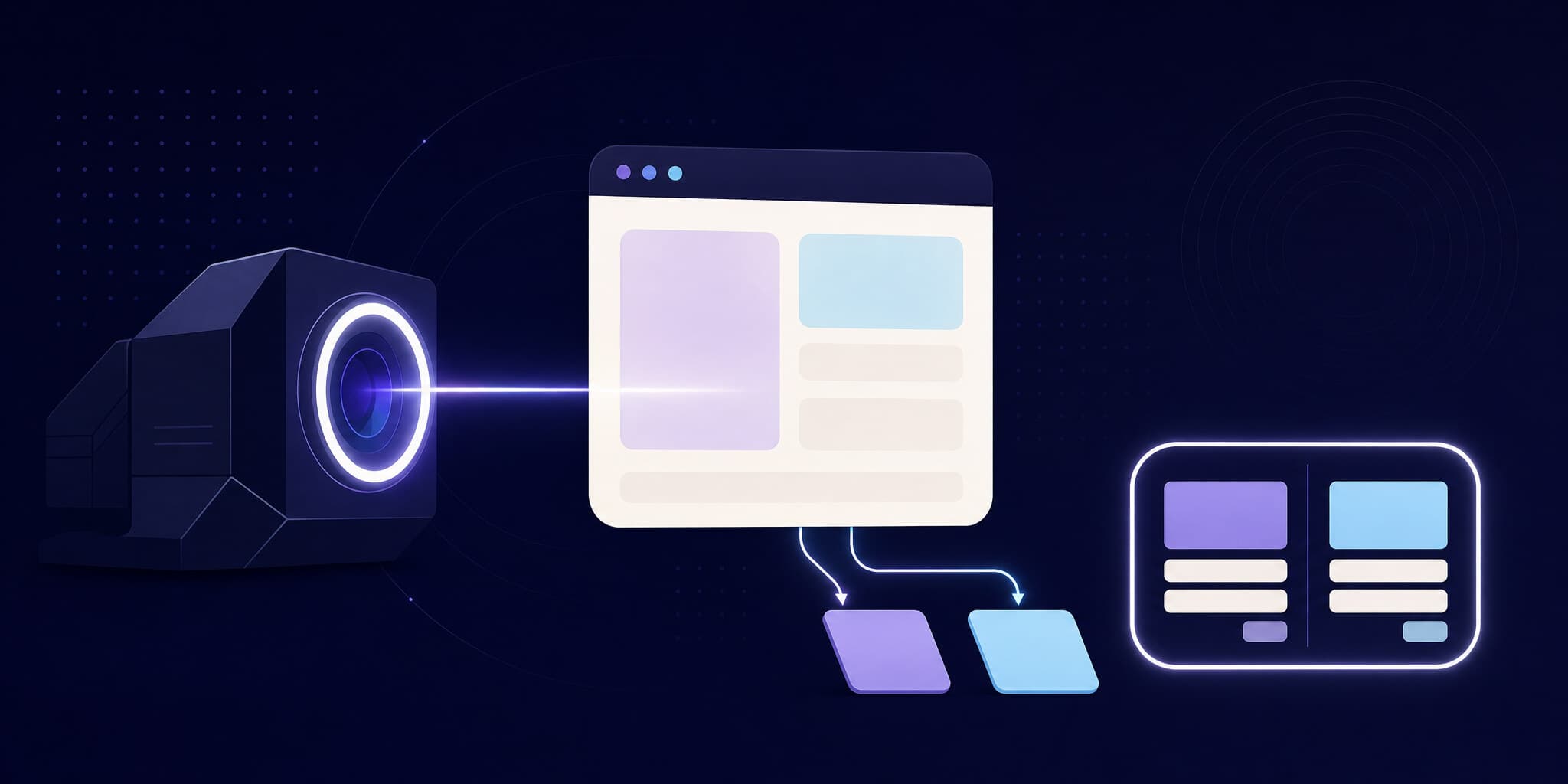
Playwright MCP is a Model Context Protocol server maintained by Microsoft, built on Playwright. It lets an LLM-based agent (Claude Code, Cursor, VS Code Copilot, and any other MCP client) control a real browser: navigate, click, type, fill forms, and inspect the resulting page.
Its core design choice is that it operates primarily on accessibility trees, not pixels. When the agent calls browser_snapshot, it gets a structured, text-based representation of the page: roles, names, states, and stable references it can use to target elements. In the project's own words, this is "LLM-friendly. No vision models needed, operates purely on structured data." It is fast, deterministic, and cheap in tokens compared to screenshot-based navigation.
The server exposes a full toolbox (as of October 2026):
- Actions:
browser_navigate,browser_click,browser_type,browser_fill_form,browser_hover,browser_drag,browser_press_key - Inspection:
browser_snapshot(accessibility tree),browser_take_screenshot,browser_console_messages,browser_network_requests - More: tab management, JavaScript evaluation, file uploads, dialog handling, tracing
Setup is a one-liner in your MCP client configuration:
{
  "mcpServers": {
    "playwright": {
      "command": "npx",
      "args": ["@playwright/mcp@latest"]
    }
  }
}
That's it. Your agent can now open localhost:3000 and look at what it just built.
Why coding agents need eyes on the UI
Without a browser, a coding agent working on frontend code is flying on instruments. It edits a component, the TypeScript compiles, the unit tests pass, and it declares victory. Whether the dropdown actually opens, whether the layout survived, whether the button is visible on mobile widths: it has no idea.
Playwright MCP closes that loop during development. A typical agent session looks like this:
- The agent implements a change in a React component.
- It navigates the running dev server with
browser_navigate. - It reads the accessibility tree with
browser_snapshotto confirm the new elements exist and are labeled correctly. - It takes a
browser_take_screenshotto visually check spacing, colors, and layout. - It checks
browser_console_messagesfor errors, fixes what it finds, and iterates.
This is a step change in agent-assisted frontend work. The agent catches its own broken layouts before you ever see the diff. We covered the broader pattern in visual testing for AI coding agents.
The limit: Playwright MCP verifies a moment, not a pull request
Here is what Playwright MCP does not do, and it matters.
It's point-in-time. The agent looked at the page once, on its machine, during the session. That observation is gone the moment the session ends. Nobody can audit what the agent saw, and the next change can silently break what it verified.
It's local and non-deterministic. The agent decides what to look at. Maybe it checked the settings page it was editing, but not the dashboard that shares the same CSS module. Maybe it checked desktop but not mobile. An agent's self-inspection covers whatever the agent thought to inspect.
Nothing guards the PR. Playwright MCP is a development tool, not a CI gate. When the pull request lands in review, there is no artifact proving the UI is intact: no baseline, no diff, no approval workflow. A human reviewer reading a 400-line agent-generated diff has no visual evidence to work with.
None of this is a flaw in Playwright MCP. It was built for live browsing, and it's excellent at it. It's just one half of the problem.
The other half: deterministic visual diffs on every PR
The complement is visual testing in CI: capture screenshots of every critical state in your test suite, on every pull request, and diff them pixel by pixel against baselines from your main branch. Same pages, same viewports, every time, regardless of what the agent thought to check.
With Argos, this fits the agent workflow without extra infrastructure:
- Screenshots are captured locally, in the real browser your Playwright tests already run, then uploaded for diffing. What your test rendered is exactly what gets diffed, with no cloud re-rendering step.
- Baselines are selected automatically from Git history. No manual baseline management per branch.
- SDKs stabilize captures before shooting (fonts loaded, images decoded, carets and scrollbars hidden), so diffs mean real changes, not noise (see screenshot stabilization).
And critically for this article: the agent can read the results. Argos ships an agent-ready CLI and REST API. To be precise, Argos does not have an MCP server; the agent integration is the CLI's structured JSON output, the REST API, and open-source agent skills, which turn out to be all an agent needs:
# Fetch build status and stats as JSON
argos build get pr-42 --json

# List only the snapshots that changed and need review
argos build snapshots pr-42 --needs-review --json

# Submit a review (requires a personal access token)
argos review create pr-42 --event approve
There are also installable skills that teach your agent the whole workflow:
npx skills add argos-ci/argos-javascript@argos-cli
npx skills add argos-ci/argos-javascript@argos-pr-review
The full review flow is documented in review builds with AI agents, with a step-by-step walkthrough in reviewing Argos builds with AI agents.
Playwright MCP vs. visual testing in CI
| Playwright MCP | Visual testing in CI (Argos) | |
|---|---|---|
| When it runs | During development, on demand | On every pull request, automatically |
| What it checks | Whatever the agent navigates to | Every screenshot in your test suite |
| How it sees | Accessibility tree + ad-hoc screenshots | Pixel diffs against Git-derived baselines |
| Determinism | Depends on the agent's choices | Same coverage on every run |
| Persistence | Gone when the session ends | Build history, audit trail, approvals |
| Guards the PR | No | Yes, as a status check |
| Agent access | Native (it's an MCP server) | CLI JSON output + REST API + skills |
The table makes the point: these are not competing tools. One is a development-time sensor, the other is a review-time gate.
End-to-end: an agent that builds, ships, and reviews its own UI change
Here is what the combined workflow looks like with Claude Code, Playwright MCP, and Argos. Every command in this flow exists today.
1. Build with live eyes. You ask Claude Code to redesign the pricing card. With Playwright MCP configured, it edits the component, opens the dev server, reads the accessibility tree to verify structure, screenshots the result, and iterates until it looks right.
2. Open the PR. The agent commits and opens a pull request. Your existing Playwright suite runs in CI, and argosScreenshot(page, "pricing-card") calls upload screenshots to Argos. Argos diffs them against baselines from main and posts a status check on the PR.
3. The agent reviews its own diff. Instead of you eyeballing every changed screenshot, the agent queries the build:
argos build snapshots pr-42 --needs-review --jsonIt gets a JSON list of changed snapshots with image URLs, inspects the diffs, and cross-checks them against the intent of the change. The pricing card diff is expected; a shifted footer on the checkout page is not, so it goes back and fixes the leaked CSS.
4. Submit the review. Once the diffs match the intent, the agent (or you) approves:
argos review create pr-42 --event approveA project token grants read access for inspection; submitting reviews requires a personal access token, so review authority stays tied to a real account. There is also a "Copy prompt" button in the Argos build UI that generates an agent-optimized prompt if you'd rather paste the context into your agent manually.
The result: the agent had eyes while building (Playwright MCP), and the PR had a deterministic visual gate with a recorded review before merge (Argos). Neither tool alone gives you both.
FAQ
Is Playwright MCP a visual testing tool?
No. Playwright MCP is a browser automation server for AI agents: it navigates, inspects accessibility trees, and takes ad-hoc screenshots during a session. It has no baselines, no diffing, and no CI review workflow. For regression protection you pair it with a visual testing platform that diffs screenshots on every PR.
Does Argos have an MCP server?
No, and it doesn't need one for agent workflows. Agents interact with Argos through the CLI's structured JSON output (argos build get, argos build snapshots --needs-review --json), the REST API, and open-source agent skills. CLI commands are something every coding agent can already run natively.
Can an agent approve its own Argos build?
Yes, with a personal access token, via argos review create <ref> --event approve or --event reject. Many teams prefer a middle ground: the agent inspects diffs and posts its analysis, while a human clicks approve. Argos supports both; the review docs cover the token model.
Why not just have the agent screenshot everything with Playwright MCP?
Coverage and determinism. An agent screenshots what it thinks to screenshot, in one session, with no baseline to compare against. A CI visual test suite captures the same defined set of states on every run and diffs them pixel-by-pixel against Git-derived baselines. Ad-hoc inspection and systematic regression testing are different jobs.
How much does the CI half cost?
Argos is free up to 5,000 screenshots per month on the Hobby plan, and the Pro plan is $100/month flat with 35,000 screenshots included and unlimited parallelization, as of 2026. See pricing for details.
Conclusion
"Give the coding agent eyes" is really two requirements wearing one name. Playwright MCP gives the agent live eyes during development: a real browser, an accessibility tree, screenshots on demand. Visual testing in CI gives the pull request permanent eyes: deterministic diffs, baselines from Git, and a review that gets recorded. Argos makes that second half agent-native through its CLI, API, and skills, so the same agent that built the feature with Playwright MCP can inspect and review its own visual diff before a human ever opens the PR. Use both halves, and agent-written frontend code stops being a leap of faith.