Argos + Vitest: visual testing with screenshots and snapshots
The Argos Vitest SDK is stable: capture screenshots in Vitest browser tests, snapshot any value from browser or Node tests, and review every change on your pull request. Full setup guide inside.

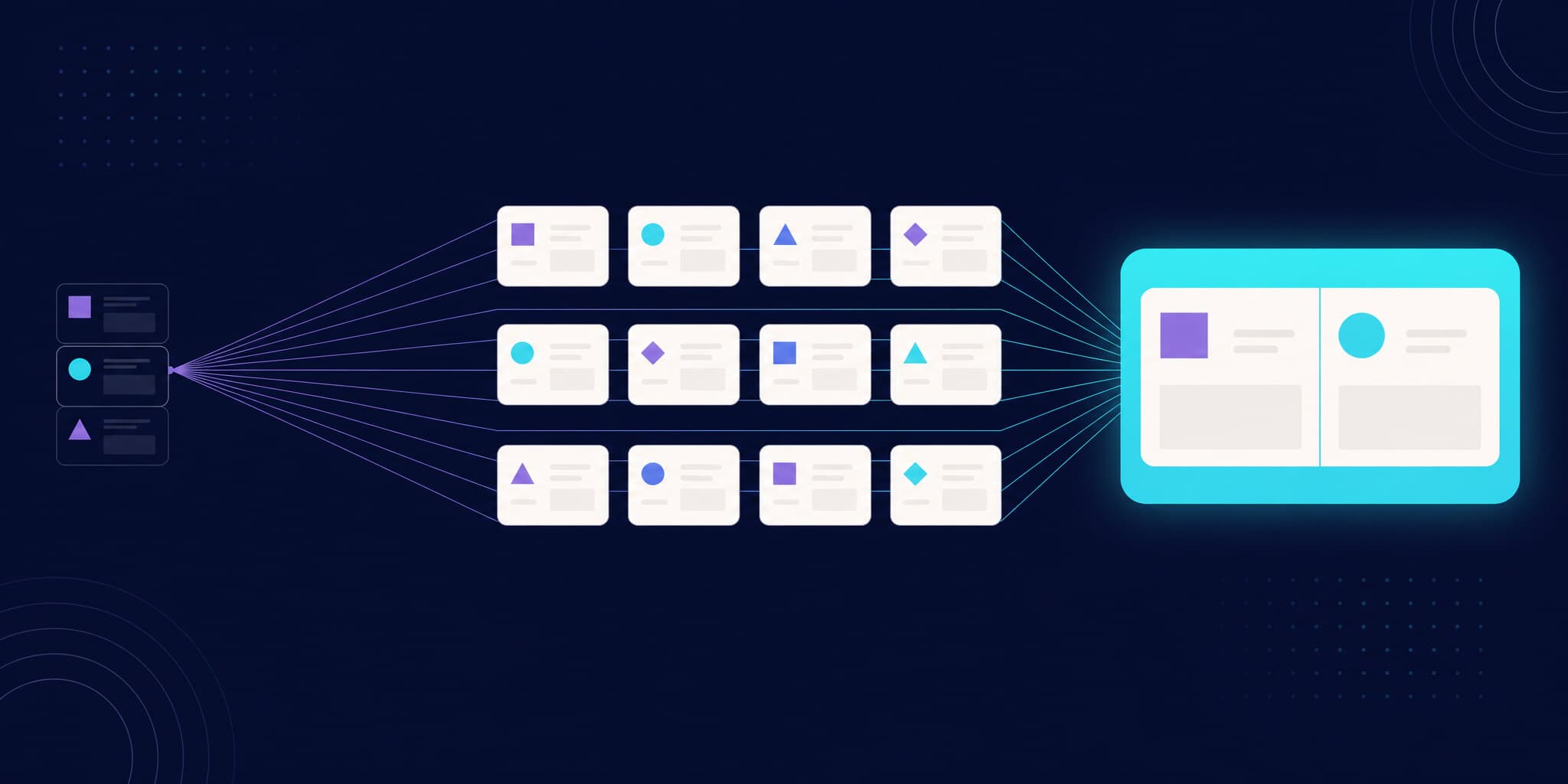
Your test runner already renders your components in a real browser. Starting today, every one of those renders — and every value your tests produce — can become a visual test. The Argos Vitest SDK (@argos-ci/vitest) is stable and available now, and it covers the full surface of Vitest:
- Screenshots of your rendered components, captured from Vitest browser tests.
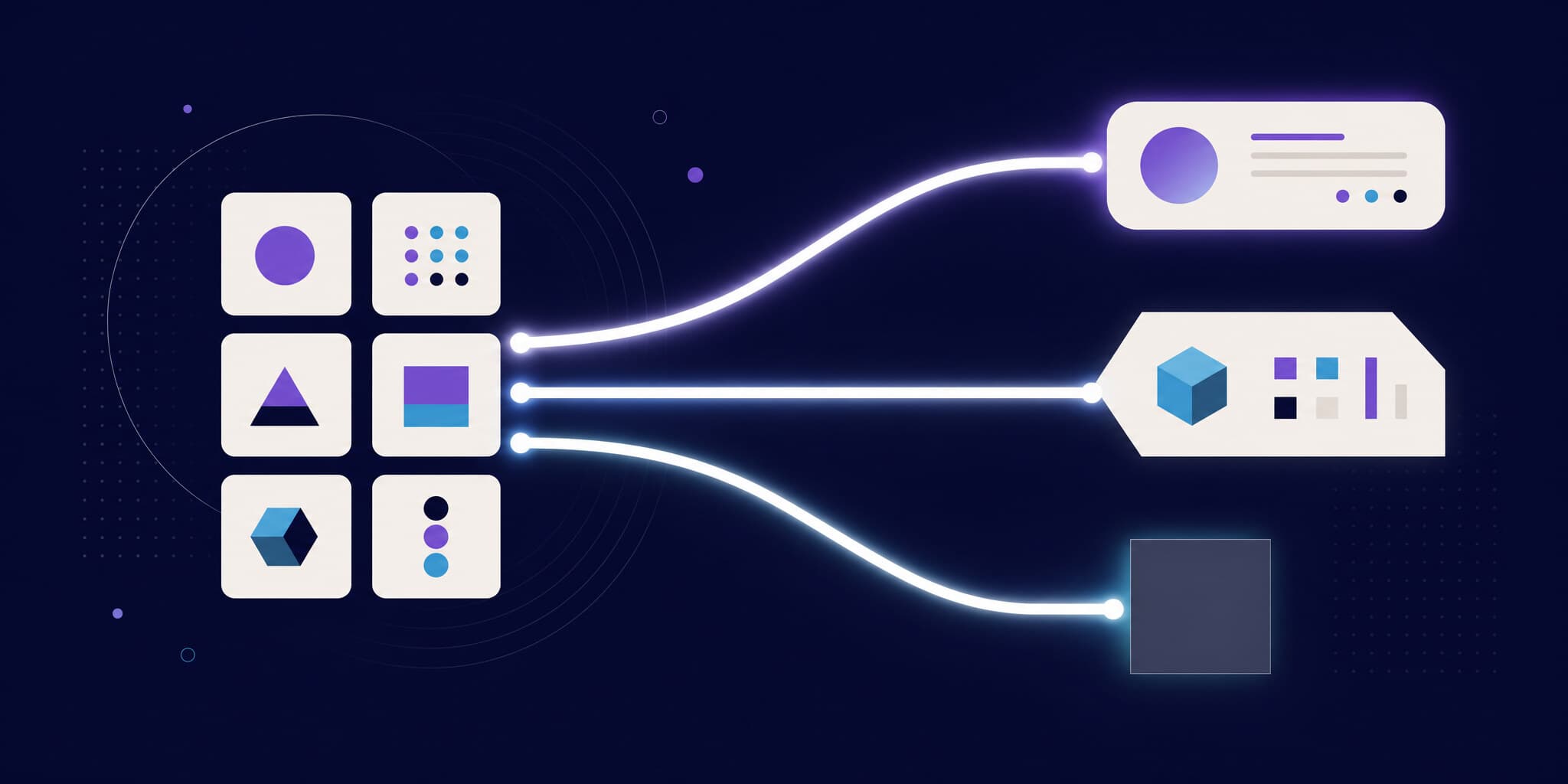
- Snapshots of any value — objects, JSON, HTML, Markdown — captured from browser or plain Node tests. No browser required.
Both flow into the same place: an Argos build on your pull request, where your team reviews and approves changes with a click. This post is the announcement and the guide — by the end of it, you'll have visual testing running on your Vitest suite.
Why a dedicated Vitest SDK?
Vitest has become the default test runner for a huge part of the JavaScript ecosystem, and its browser mode changed what a "unit test" can be: your components run in real Chromium, Firefox, or WebKit instead of a simulated DOM. Vitest even ships its own visual assertion, toMatchScreenshot, which compares renders against PNG baselines committed to your repo.
That built-in assertion is well designed, but it inherits the limits of the local-baseline model — the same ones we've documented for Playwright's toHaveScreenshot:
- Baselines are OS-specific. Fonts render differently on macOS, Linux, and Windows, so a baseline generated on your MacBook fails in your Linux CI. The official Vitest guide calls font rendering "the big one" and recommends Docker containers or cloud services to keep environments identical.
- Binary files pollute your Git history. Every intentional UI change means regenerating PNGs, committing them, and resolving merge conflicts on images.
- There is no review workflow. A failed assertion leaves images on disk. Whoever runs
vitest --updateis the review.
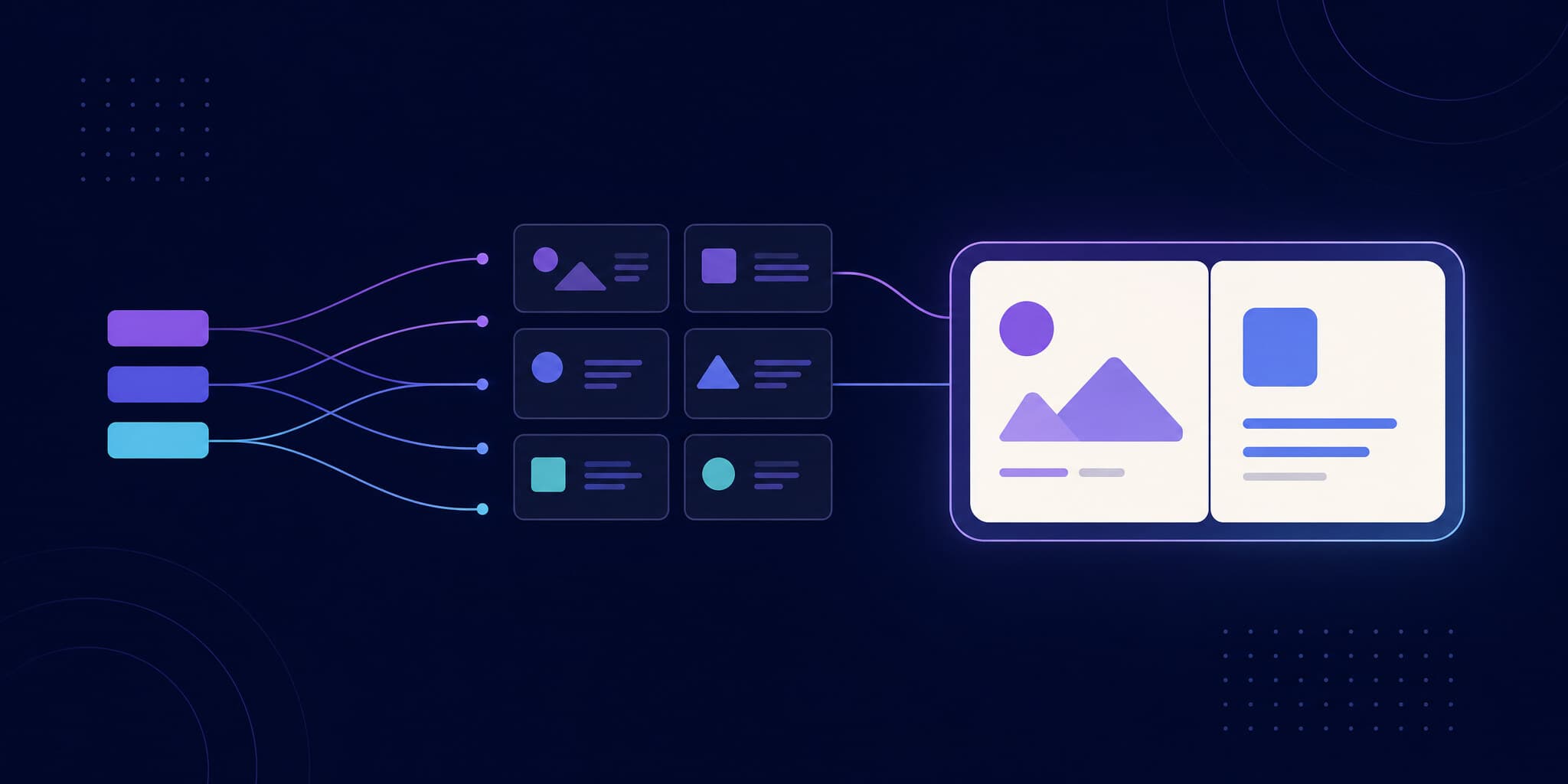
Until now, plugging Argos into Vitest meant going through the Storybook SDK or uploading a folder of screenshots with the CLI. Vitest deserved first-class support. Now it has it: your tests stay exactly where they are, screenshots are captured locally in the browser your tests already run in, and Argos handles baselines, diffing, and review.
Step 1: Install the SDK
npm i --save-dev @argos-ci/vitestThat's everything you need for snapshots — they run in any Vitest test. To capture screenshots, also install Vitest browser mode with the Playwright provider:
npm i --save-dev vitest @vitest/browser @vitest/browser-playwright playwrightStep 2: Add the Argos plugin to your Vitest config
The plugin registers the argosScreenshot and argosSnapshot commands and, when uploadToArgos is enabled, uploads everything captured to Argos at the end of the run:
// vitest.config.ts
import { argosVitestPlugin } from "@argos-ci/vitest/plugin";
import { playwright } from "@vitest/browser-playwright";
import { defineConfig } from "vitest/config";

export default defineConfig({
  plugins: [
    argosVitestPlugin({
      // Upload to Argos on CI only.
      uploadToArgos: !!process.env.CI,
    }),
  ],
  test: {
    browser: {
      enabled: true,
      headless: true,
      provider: playwright({
        // Stabilize text rendering so screenshots match across macOS and CI.
        launchOptions: {
          args: ["--disable-lcd-text", "--font-render-hinting=none"],
        },
      }),
      instances: [{ browser: "chromium" }],
    },
  },
});
Two details worth calling out:
- The
launchOptionsdisable subpixel text and font hinting, so glyphs render identically on your machine and on CI. This one change prevents the most common source of flaky screenshots. - The
test.browserblock is only needed for screenshots. If you only capture snapshots, omit it — the plugin still uploads them.
The plugin is also the place for project-wide defaults: it accepts every Argos screenshot option — including non-serializable ones like beforeScreenshot and afterScreenshot — plus all upload parameters. Set them once, override per call when needed.
Step 3: Capture screenshots in browser tests
Inside a browser test, one line captures a screenshot:
import { argosScreenshot } from "@argos-ci/vitest";
import { test } from "vitest";
import { render } from "vitest-browser-react";

import { Button } from "./Button";

test("Button", async () => {
  await render(<Button>Click me</Button>);
  await argosScreenshot("button");
});
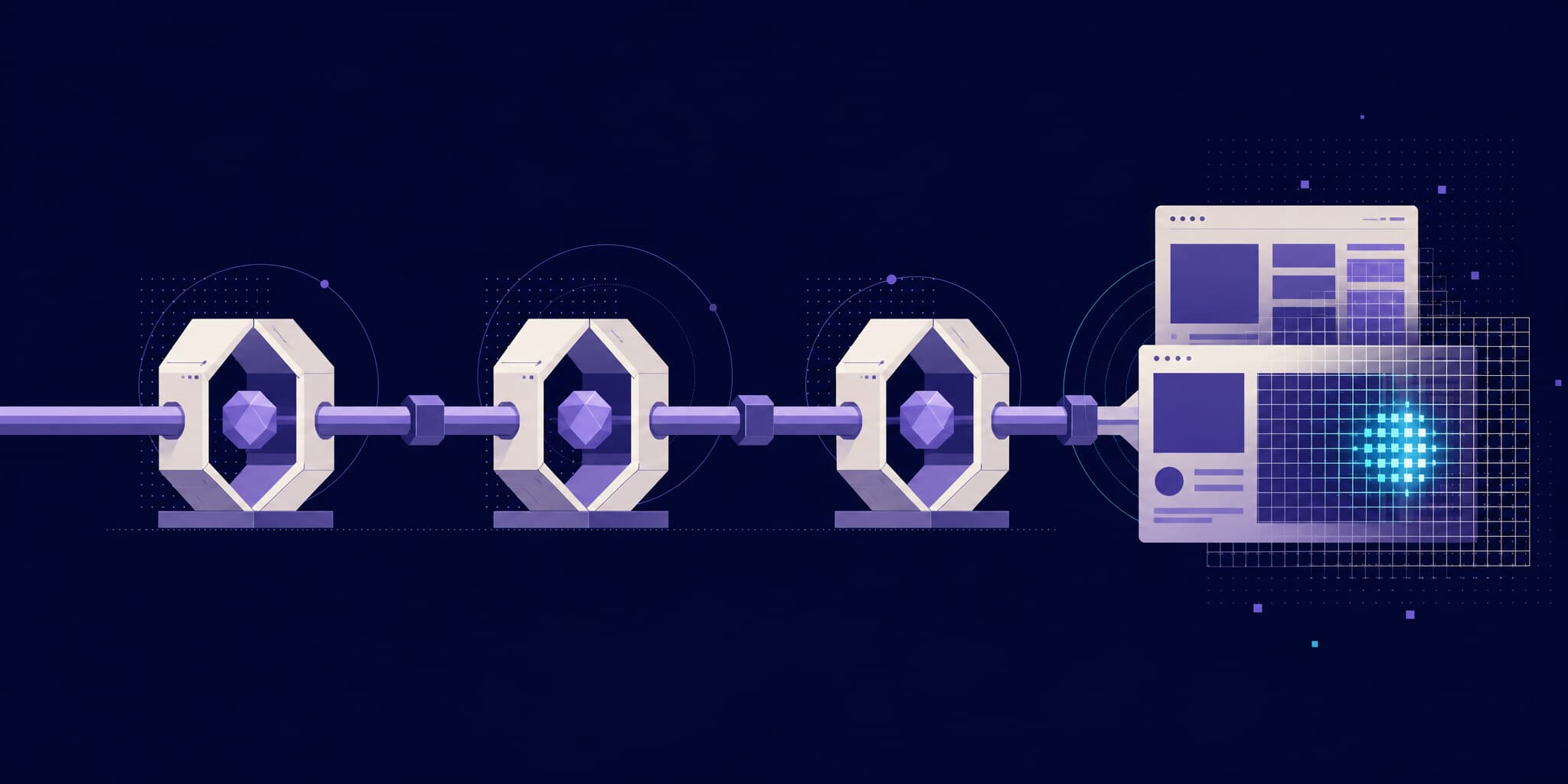
This isn't a raw page.screenshot(). Before capturing, Argos waits for the UI to stabilize — fonts loaded, images rendered, animations settled — and neutralizes hover effects, the same battle-tested logic our Playwright SDK runs on millions of screenshots. And because the capture is just a function call, you can take several per test, mid-interaction, at any point of a user flow.
Each call accepts options to go further:
await argosScreenshot("pricing-page", {
  // Capture multiple breakpoints from a single test.
  viewports: ["iphone-x", "macbook-15"],
  // Record the accessibility tree alongside the pixels.
  ariaSnapshot: true,
  // Target a specific element by selector.
  element: "#pricing-table",
  // Organize screenshots in your builds.
  tag: "pricing",
});
Screenshots land in ./screenshots by default — add that folder to your .gitignore; unlike the local-baseline model, nothing gets committed.
Step 4: Snapshot anything — not just UI
This is the part we're most excited about. argosSnapshot captures any value and diffs it across builds, mimicking Vitest snapshots but with a real review workflow. It needs no browser and works in plain Node tests:
import { argosSnapshot } from "@argos-ci/vitest";
import { test } from "vitest";

import { fetchUser } from "./api";

test("API response", async () => {
  const user = await fetchUser();
  await argosSnapshot("user", user);
});
Strings are written verbatim; any other value is serialized with @vitest/pretty-format — the exact serializer Vitest itself uses. The extension option controls how Argos renders and diffs the result:
await argosSnapshot("config", JSON.stringify(config, null, 2), {
  extension: ".json",
  tag: "config",
});
API payloads, generated HTML, Markdown output, YAML configs — anything your tests produce becomes a reviewable, diffable artifact on your pull request. When a refactor changes an API response shape, your team sees exactly what changed and approves it with a click, instead of scrolling through an inline snapshot diff in a failing CI log.
Step 5: Run it in CI
Run your Vitest tests in CI with ARGOS_TOKEN set — the plugin uploads everything at the end of the run:
# .github/workflows/argos.yml
name: Argos

on:
  pull_request:
  push:
    branches:
      - main

jobs:
  argos:
    runs-on: ubuntu-latest
    steps:
      - uses: actions/checkout@v6
      - uses: actions/setup-node@v6
      - run: npm ci
      - run: npx playwright install --with-deps chromium
      - run: npx vitest run
        env:
          ARGOS_TOKEN: ${{ secrets.ARGOS_TOKEN }}
ARGOS_TOKEN is your project token from Settings → General → Token. On GitHub Actions you can also use OIDC or tokenless authentication and skip the secret entirely.
Push a pull request and you're done: Argos picks the baseline from your Git history, computes stabilized diffs, and posts a check on the PR. Your team reviews changes in the Argos UI — with comments, threads, and multiple reviewers — and approves or rejects with a click. Run your reference branch once first so there's a baseline to compare against.
How it compares to toMatchScreenshot
Vitest's built-in assertion is a great fit for a solo project with a handful of stable snapshots. The Argos SDK changes the model rather than the tool — your tests stay exactly where they are:
Vitest toMatchScreenshot | @argos-ci/vitest | |
|---|---|---|
| Baselines | PNGs committed to Git | Auto-selected from Git history, stored in Argos |
| Cross-OS consistency | Manual (Docker or CI-only updates) | Baselines always come from CI |
| Review workflow | None (files on disk) | PR checks, visual diff UI, collaborative reviews |
| Approving a change | Re-run with --update, commit PNGs | Click "Approve" on the pull request |
| Beyond screenshots | — | Snapshot any value: JSON, HTML, Markdown, YAML… |
| Cost | Free | Free up to 5,000 screenshots/month, then $100/mo flat Pro plan |
Local capture, by design
Unlike tools that re-render your components in a remote cloud browser, Argos captures screenshots locally, inside the very browser your Vitest tests already run in. What you test is what you review — same browser, same viewport, same state your render and interactions produced. It's also open source, and pricing stays flat: free up to 5,000 screenshots a month, then $100/month for 35,000.
Using Storybook?
The Argos Storybook SDK builds on this same Vitest integration. If your stories run through the Storybook Vitest addon, follow the Storybook Quickstart instead — you'll get every story captured automatically, plus argosScreenshot inside play functions.
FAQ
Do I need Vitest browser mode to use Argos?
Only for screenshots. argosScreenshot requires browser mode with the Playwright provider. argosSnapshot works in any Vitest test — browser or Node — with no browser dependencies at all.
Does it replace toMatchScreenshot?
It replaces the model, not the runner. Your tests stay in Vitest; instead of comparing against PNGs committed to Git, screenshots upload to Argos, baselines come from CI builds on your reference branch, and changes are approved on the pull request.
Can I take multiple screenshots in one test?
Yes. argosScreenshot is a plain function call, so you can capture at any point — before and after an interaction, across several viewports, or once per step of a user flow. Every capture is uploaded at the end of the run.
Does it work with the Storybook Vitest addon?
Yes — through the Storybook SDK, which builds on this same integration and captures every tested story automatically.
How much does it cost?
Argos is free up to 5,000 screenshots per month. The Pro plan is a flat $100/month including 35,000 screenshots. Argos is also open source.
Try it today
Vitest made browser-based component testing fast and pleasant. The Argos Vitest SDK makes it visually safe — screenshots and snapshots, reviewed by your whole team (and your AI agents) right on the pull request. Install @argos-ci/vitest, push a pull request, and see your first visual diff in minutes.